How to use the AI image generator
Mfaysal IG is a text-to-image AI generator: you describe a picture in plain English and it creates an original image in a few seconds. It runs on Google's Gemini 2.5 Flash Image model, one of the most capable image models available in 2026, and it works on any phone, tablet or computer without installing an app. Every account starts with three free images a month, and paid plans give you more.
- Create a free account. Tap Sign up and enter your email and a password. Your credit balance appears at the top of the generator.
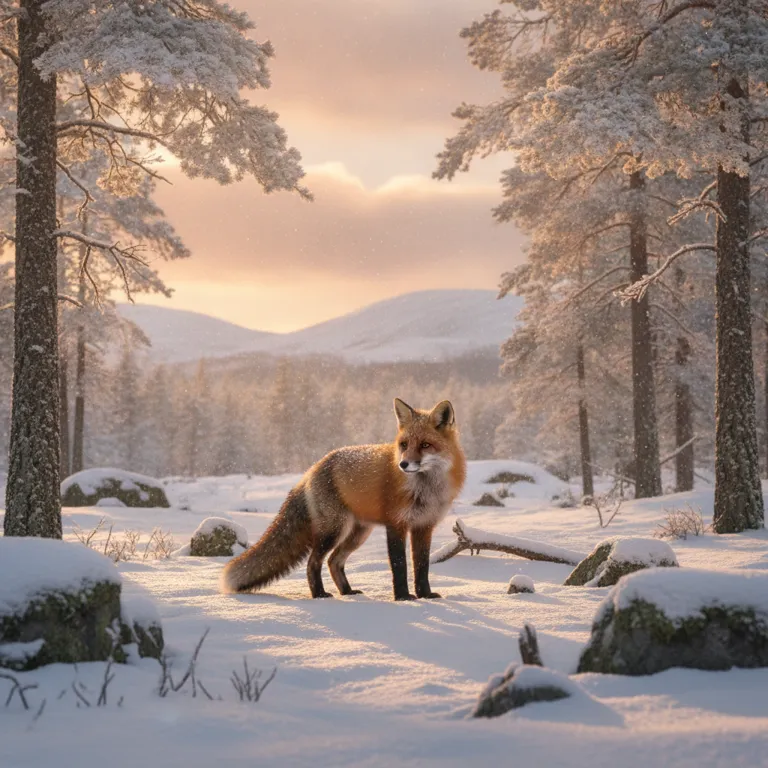
- Write your prompt. Describe the subject, setting, lighting and mood, for example “a red fox in a snowy Scottish forest at golden hour”.
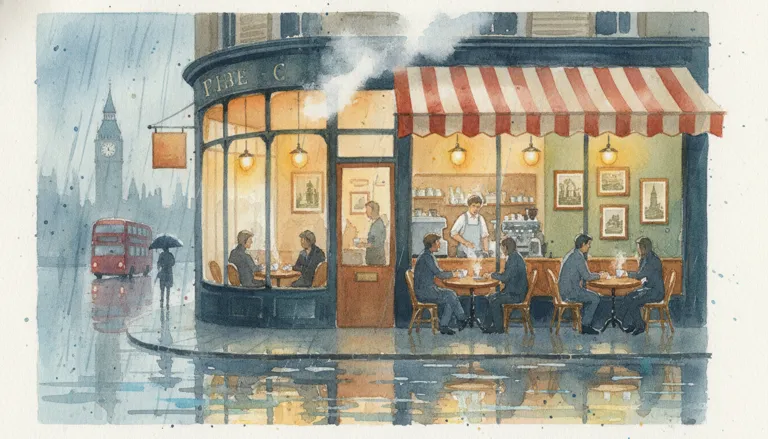
- Pick a style and aspect ratio. Choose photo, illustration, anime, 3D, watercolour, pixel art or logo, and a shape such as 1:1 or 16:9.
- Generate and download. Press Generate image. When it is ready, press Download to save a PNG. Your recent images stay in your browser so you can find them again.
How to write a good prompt
The AI follows your words closely, so detail pays off. A strong prompt usually has four parts: the subject (who or what), the setting (where), the style (photo, painting, 3D) and the light and mood (soft morning light, neon, moody, cheerful). “A dog” gives you a generic picture; “a scruffy terrier on a Cornish beach at sunset, shallow depth of field, warm tones” gives you something specific and usable. You can also mention camera terms like “close-up”, “wide shot” or “top-down” to control framing.
Gemini is unusually good at short text inside images, so you can ask for a poster with a headline, a book cover with a title, or a shop sign. Keep the text short and put it in quotation marks for the best spelling. If a result isn't quite right, change one thing at a time, such as the lighting or the angle, rather than rewriting the whole prompt.
What people use it for
- Social media. Eye-catching posts in 1:1, Stories and Reels covers in 9:16, and YouTube thumbnails in 16:9.
- Small businesses. Illustrations for websites, product mock-up backgrounds, menu and flyer artwork, and simple logo ideas to brief a designer.
- Blogs and presentations. Unique header images instead of the same stock photos everyone else uses.
- Teachers and students. Visual aids, story illustrations and creative writing prompts.
- Fun and gifts. Custom wallpapers, greeting card art and pictures of your ideas.
Every image downloads as a full-resolution PNG, ready to drop into Canva, PowerPoint, Word, WordPress or Shopify.
Plans, credits and fair use
One image costs one credit. The Free plan gives every account three images a month, limited to one free account per network so the service stays sustainable. Plus, Pro and Premium give 40, 120 and 200 images a month for $3, $8 and $12. Unused credits don't roll over to the next month. If the AI fails or declines a prompt, your credit is refunded automatically. To keep the service safe, there is a limit of a few images a minute and a daily ceiling per account.
Safety, privacy and ownership
Your prompt is checked by our filter and then by Google's own safety system. Sexual content, anything involving children, graphic violence, hate and deepfakes of real people are refused. Images are not saved on our server: they are delivered straight to your browser, and your recent history lives only in your browser's local storage. Your email is verified with a one-time code, every login is protected by a 6-digit code sent to your inbox, your password is stored as a secure hash, and the Google API key never leaves our server. Google adds an invisible SynthID watermark to images from its models so AI content can be identified, which is good practice and doesn't change how the image looks. You can generally use what you create for personal and commercial projects, but avoid trademarks, copyrighted characters and real people's likenesses without permission.