Remove the background from an image, free and privately
This background remover cuts the subject out of a photo and gives you a transparent PNG in a few seconds. It's free, there is no signup, no watermark and no daily limit. Most online background removers upload your photo to a server, run it through a paid AI service and then ask you to buy credits for full resolution. This tool works the other way round: the AI model downloads to your browser and runs on your own device. Your photo is never uploaded, stored or seen by anyone, so it's safe for client work, ID-style photos, unreleased products and family pictures.
How to remove a background in 5 steps
- Choose your image. Tap "Choose image" or drop a JPG, PNG or WebP photo onto the box. It stays on your device.
- Pick the quality. "High quality" (BiRefNet Lite) is best for products, objects and hair. "Fast" (MODNet) is lighter and works well for portraits on phones.
- Let the AI cut it out. The model downloads once and is cached by your browser, then runs on your device using WebGPU or WebAssembly.
- Choose a background. Keep it transparent, or pick white or any colour for marketplace listings.
- Download the PNG. Save a full-resolution transparent PNG (or JPG on a colour) with no watermark.
Background remover for product photos
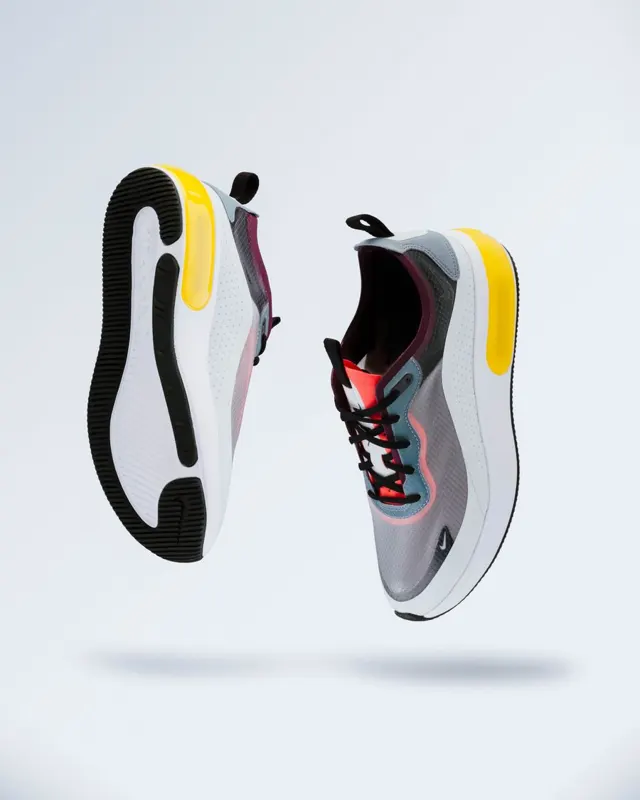
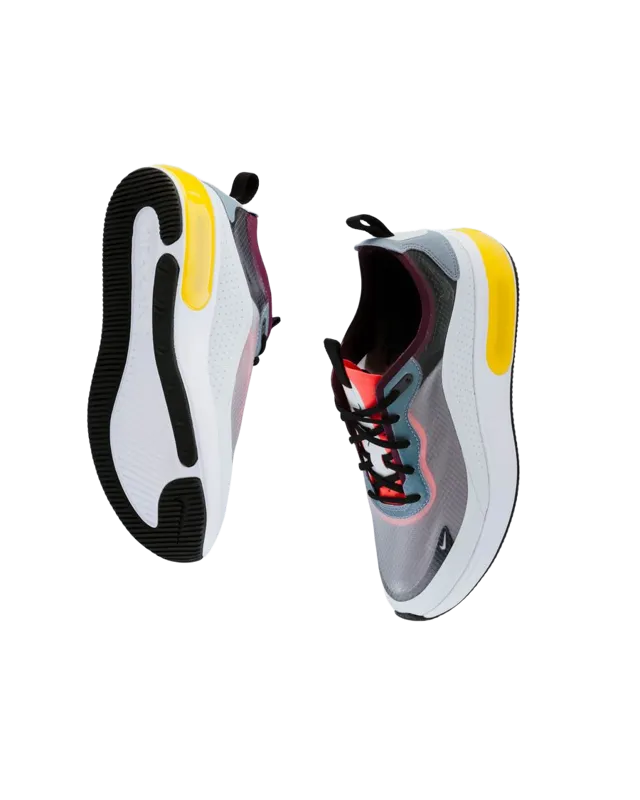
Clean product photos sell. Amazon requires a pure white background (RGB 255, 255, 255) for main listing images, and eBay, Etsy, Depop, Vinted and Shopify themes all look sharper with a consistent backdrop. To make a marketplace-ready image:
- Shoot the product on a plain, contrasting surface in soft, even light. A window on an overcast day is ideal. Avoid hard shadows that touch the product.
- Use High quality mode. It runs BiRefNet Lite, a model designed for accurate edges on objects such as shoes, bottles, jewellery and electronics.
- Set the background to White and download. You'll get a full-size image ready to upload. For ads and social posts, choose a brand colour instead.
- Keep the transparent PNG too. You can drop it onto lifestyle scenes, banners or a resized square for Instagram.
Portraits, profile pictures and hair
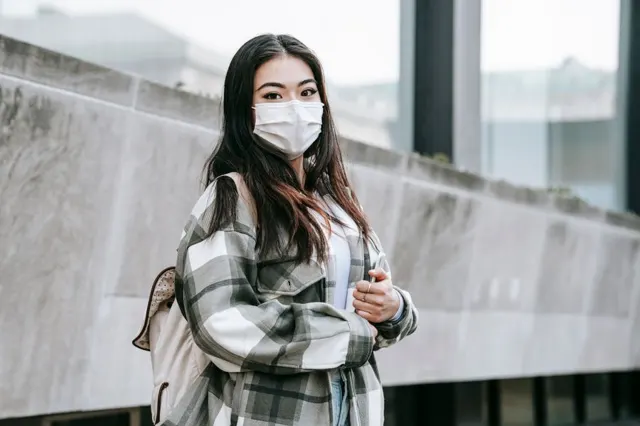
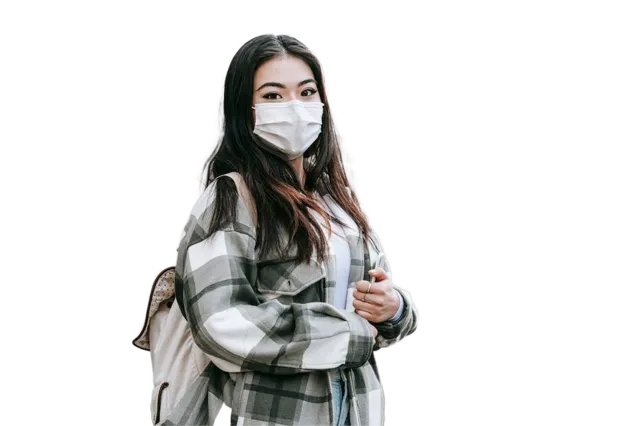
For people, Fast mode uses MODNet, a portrait matting model that produces soft alpha edges around hair rather than a hard cut-out. It's light enough for phones. Use it for LinkedIn and CV headshots, passport-style photos on white, YouTube thumbnails of yourself, and stickers. High quality mode often gives even finer hair detail on a desktop computer.
Why it's private and has no signup
Everything happens in your browser using Transformers.js, which runs the AI with WebGPU (your graphics chip) when available, or WebAssembly on any modern browser. The page itself is static: there is no account system, no API key and no server that could receive your image. The only network request is the one-off download of the open model file from Hugging Face's public CDN, which your browser then caches. You can check this yourself: after the model has loaded once, switch on aeroplane mode and remove another background. It still works.
Getting the best cut-out
- Contrast helps. A dark product on a light background (or the other way round) gives the cleanest edges.
- Bigger is not always better. The AI works at about 1024 px internally and scales the mask back to your full resolution. Very large photos (over 6000 px) just take longer.
- Glass and fine mesh are hard for every remover. Try both modes and keep the better one.
- Shadows. The model removes cast shadows. If you want a natural shadow for a product, add a soft drop shadow in your design tool afterwards.
- Make smaller files. Transparent PNGs can be large. Use the image quality changer or image resizer before uploading to a website.
Models, licences and commercial use
This page uses open-source models with licences that allow commercial use: BiRefNet Lite (MIT licence, by Zheng Peng et al.) and MODNet (Apache-2.0, by Zhanghan Ke et al.). They run with Transformers.js (Apache-2.0). The cut-outs you make are yours to use in shops, adverts, client projects and print. We deliberately didn't use popular models such as RMBG-1.4, whose licence does not allow commercial use.
Other free image tools
After removing a background you might want to resize an image to exact pixels, convert it to black and white, apply effects in the image filter studio, or touch up a cut-out by hand with the manual background eraser.
Frequently asked questions
Is this background remover really free?
Yes. There is no signup, no credits, no watermark and no limit on images. It is free because the AI runs on your own device, so there is no server cost per image.
Are my photos uploaded anywhere?
No. Your image never leaves your browser. Only the AI model file is downloaded (once, then cached); your photo is processed locally and nothing is sent back.
How do I get a transparent PNG?
Leave the background set to "Transparent" and press "Download PNG". The PNG keeps an alpha channel, so it drops straight onto any design, website or slide.
Is it good for product photos?
Yes. Use "High quality" mode, which uses BiRefNet Lite, a model built for sharp object edges. For Amazon, eBay, Etsy or Shopify listings, set the background to white and download.
Why is the first image slow?
The first time, your browser downloads the AI model (about 115 MB for High quality or 25 MB for Fast). After that it is cached, so later images take a few seconds.
Can I use the results commercially?
Yes. The models are released under permissive licences (BiRefNet: MIT, MODNet: Apache-2.0) and the library (Transformers.js) is Apache-2.0. You keep all rights to your own images.
Does it work on iPhone and Android?
Yes, in a modern browser. On phones, "Fast" mode is recommended because it uses less memory.
Related free tools
Sources
- BiRefNet Lite ONNX model (MIT)
- MODNet model (Apache-2.0)
- Transformers.js (Apache-2.0)
- Amazon – Product image requirements
Note: This free tool runs entirely in your browser. No data is sent or stored. Results are for information only.