position: sticky is supported in every modern browser, so when it does nothing the cause is almost always one of six things in your own CSS. Work through this list in order and you will find it. If you want a refresher on how positioning works in general, start with CSS position absolute vs relative.
How sticky actually works
A sticky element behaves like relative until you scroll past a threshold you set (for example top: 0), then it sticks to that edge of its nearest scrolling ancestor. It can only stick while its parent is still on screen. Most bugs come from those two rules.
1. You did not set top, bottom, left or right
.header { position: sticky; }          /* does nothing */
.header { position: sticky; top: 0; }  /* works */
Without a threshold, the browser has no edge to stick to.
2. A parent has overflow hidden, auto or scroll
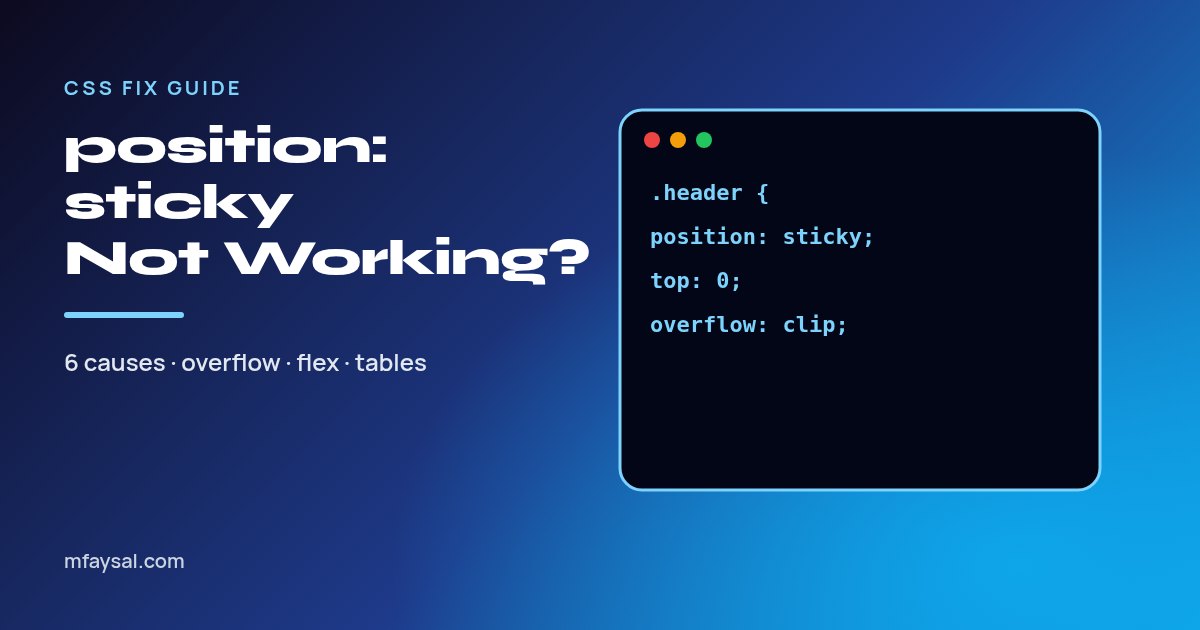
This is the most common cause. Any ancestor with overflow: hidden, auto or scroll becomes the scroll container, so the element sticks inside that box instead of the page. If that box does not scroll, nothing happens.
Find it in DevTools: select the sticky element, then walk up the parents in the Elements panel and check the Computed tab for overflow. Fixes:
- Remove the overflow if it was only there to clear floats.
- Use
overflow: clip instead of hidden. It clips content but does not create a scroll container, so sticky keeps working.
3. The parent is the same height as the sticky element
A sticky element cannot leave its parent. If you wrap a navbar in a <div> that is exactly as tall as the navbar, it scrolls away with it. Make the sticky element a direct child of a tall container (often body or the main layout wrapper).
4. Flexbox or grid stretched it
In a flex row, items stretch to the full height of the container by default. A sidebar that is as tall as its parent has no room to stick. Add:
.sidebar {
  position: sticky;
  top: 1rem;
  align-self: flex-start; /* or start in grid */
}
The same applies in CSS grid. See Flexbox vs Grid if you are choosing a layout.
5. Sticky table headers
Put sticky on the th cells, not on thead or tr, and give them a background so rows do not show through:
th {
  position: sticky;
  top: 0;
  background: #fff;
}
If the table is inside a wrapper with overflow-x: auto for mobile, the header sticks to that wrapper (cause 2). Give the wrapper a fixed max-height so it scrolls vertically too.
6. It sticks but hides behind other content
Sticky elements create a stacking context. If cards scroll over your header, add z-index: 10 (or higher) and a solid background. If you also have a fixed site header, set top to its height, for example top: 64px.
Quick checklist
| Symptom | Likely cause | Fix |
|---|
| Never sticks | No top | Add top: 0 |
| Never sticks | Ancestor overflow | Remove it or use overflow: clip |
| Sticks then vanishes early | Short parent | Move it to a taller parent |
| Sidebar won't stick | Flex/grid stretch | align-self: flex-start |
| Content shows over it | Stacking | z-index + background |
FAQs
What is the difference between sticky and fixed?
fixed is always relative to the viewport and is removed from the layout. sticky stays in the layout and only sticks while its parent is visible.
Does position sticky work on iOS Safari?
Yes, unprefixed, in all current versions. The old -webkit-sticky prefix is only for very old Safari releases.
Can I detect when an element becomes stuck?
Chromium browsers support scroll-state container queries, @container scroll-state(stuck: top), but other browsers do not yet. The cross-browser trick is an IntersectionObserver on a 1px sentinel element placed just above the sticky element.