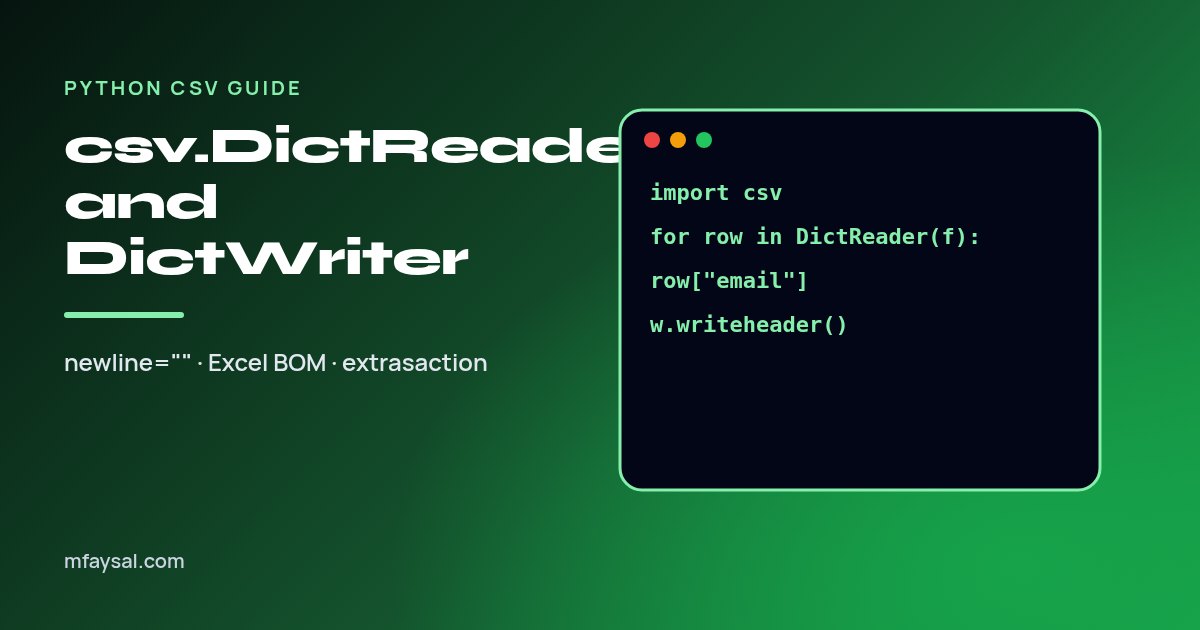
The plain csv.reader gives you each row as a list, so you end up writing row[3] and hoping column 3 never moves. csv.DictReader and csv.DictWriter fix that: every row is a dictionary keyed by the header, so your code says row["email"]. Both are in the standard library, so there is nothing to install.
If you only need the basics, reading a CSV in Python without pandas covers csv.reader. This post goes deeper into the dictionary versions.
Read a CSV by column name
import csv

with open("customers.csv", newline="", encoding="utf-8") as f:
    reader = csv.DictReader(f)
    for row in reader:
        print(row["name"], row["email"])
The first line of the file becomes the keys. Every value is a string, so convert numbers yourself: int(row["age"]).
Always pass newline=""
The Python docs say to open CSV files with newline="". Without it, quoted fields that contain line breaks can be read wrongly, and on Windows the writer adds blank lines between rows. It is the single most common CSV bug I see.
Files from Excel: the BOM problem
Excel often saves "CSV UTF-8" with a byte order mark. The first header then reads as "\ufeffname" and row["name"] raises KeyError. Open the file with encoding="utf-8-sig", which strips the BOM if present and works normally if not.
Files with no header row
reader = csv.DictReader(f, fieldnames=["name", "email", "plan"])
When you pass fieldnames, the first line is treated as data, not as a header.
Short and long rows
- If a row has fewer values than headers, missing keys get
restval (default None).
- If a row has more values, the extras go into a list under the key
restkey (default None).
reader = csv.DictReader(f, restval="", restkey="extra")
Write dictionaries to a CSV
rows = [
    {"name": "Amira", "email": "amira@example.com", "plan": "pro"},
    {"name": "Tom", "email": "tom@example.co.uk", "plan": "free"},
]

with open("out.csv", "w", newline="", encoding="utf-8") as f:
    writer = csv.DictWriter(f, fieldnames=["name", "email", "plan"])
    writer.writeheader()
    writer.writerows(rows)
fieldnames sets the column order. Forgetting writeheader() gives you a file with no header line.
ValueError: dict contains fields not in fieldnames
By default extrasaction="raise", so any key that is not in fieldnames stops the write. That is a good safety net. If you deliberately want to drop extra keys (for example an internal id), pass extrasaction="ignore". Missing keys are written as restval, an empty string by default.
Real example: filter and transform a file
import csv

with open("orders.csv", newline="", encoding="utf-8-sig") as src, \
     open("big_orders.csv", "w", newline="", encoding="utf-8") as dst:
    reader = csv.DictReader(src)
    writer = csv.DictWriter(dst, fieldnames=reader.fieldnames + ["vat"])
    writer.writeheader()
    for row in reader:
        total = float(row["total"])
        if total >= 100:
            row["vat"] = f"{total / 6:.2f}"  # VAT inside a 20% VAT-inclusive price
            writer.writerow(row)
Dividing a VAT-inclusive price by 6 gives the 20% VAT part. For formatting tips see Python f-string formatting.
Semicolons and other delimiters
Many European exports use ;. Pass delimiter=";" to both reader and writer. If you do not know the format, csv.Sniffer().sniff(sample) can guess it from the first few kilobytes.
CSV to JSON in five lines
import csv, json
with open("customers.csv", newline="", encoding="utf-8-sig") as f:
    data = list(csv.DictReader(f))
with open("customers.json", "w", encoding="utf-8") as f:
    json.dump(data, f, indent=2, ensure_ascii=False)
More in writing pretty JSON in Python. For a quick one-off you can also paste the file into my free CSV to JSON converter, which runs in your browser.
FAQs
Is DictReader slower than csv.reader?
Slightly, because it builds a dictionary per row. For files up to a few hundred thousand rows the difference rarely matters.
How do I get the header names?
Use reader.fieldnames. It is filled once the first row has been read, or as soon as you access it.
Should I use pandas instead?
Use pandas for analysis, grouping and large numeric work. For simple read, filter and write jobs, the csv module is lighter and has no dependency.
How do I write a list of lists instead of dicts?
Use csv.writer, shown in Python write list to CSV.