Coding tips
How to Check Which Apps Have Access to Your Camera and Microphone (Windows, Mac, iPhone, Android)
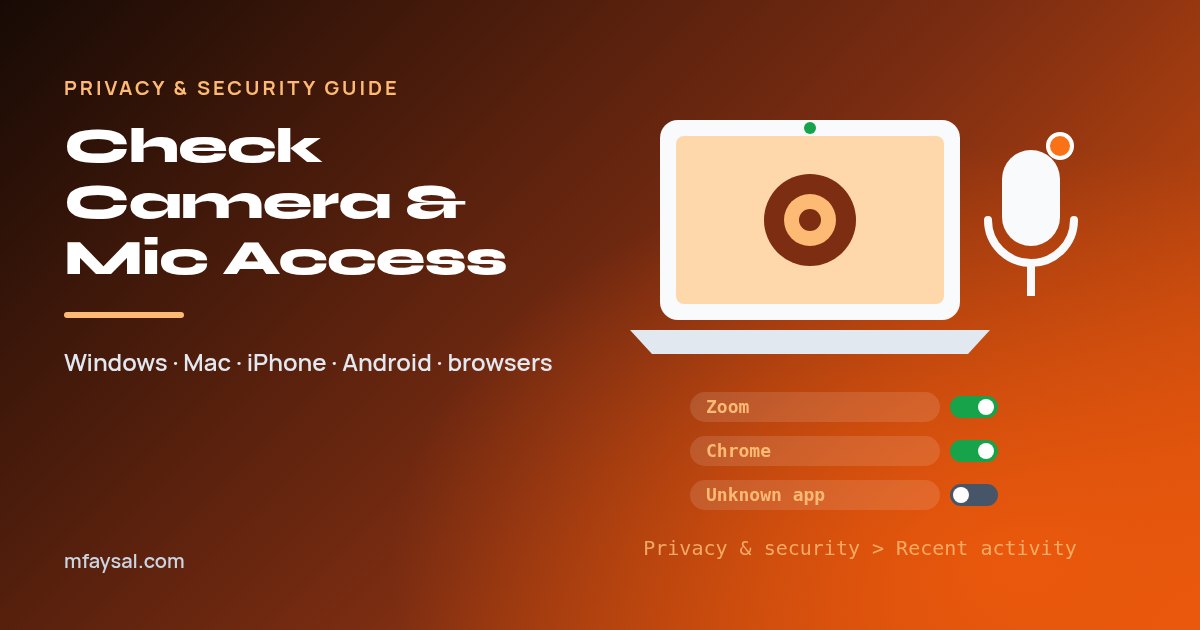
To check which apps can use your camera and microphone, open the Privacy settings on your device and look at the Camera and Microphone lists. On Windows 11 that's Settings > Privacy & security, where Recent activity shows what used them in the last seven days.