Cybersecurity for Beginners: A Complete Guide to Staying Safe Online
A beginner-friendly guide to cybersecurity, online threats, password safety, phishing prevention, and protecting your personal information.
Notes
Security notes, SOC lab write-ups and tested code by Mahir Faysal, a SOC Level 1 cybersecurity learner in Bangladesh, plus notes from my Next.js and Gemini projects. Sample posts are marked and drafts stay in the admin area.
A beginner-friendly guide to cybersecurity, online threats, password safety, phishing prevention, and protecting your personal information.
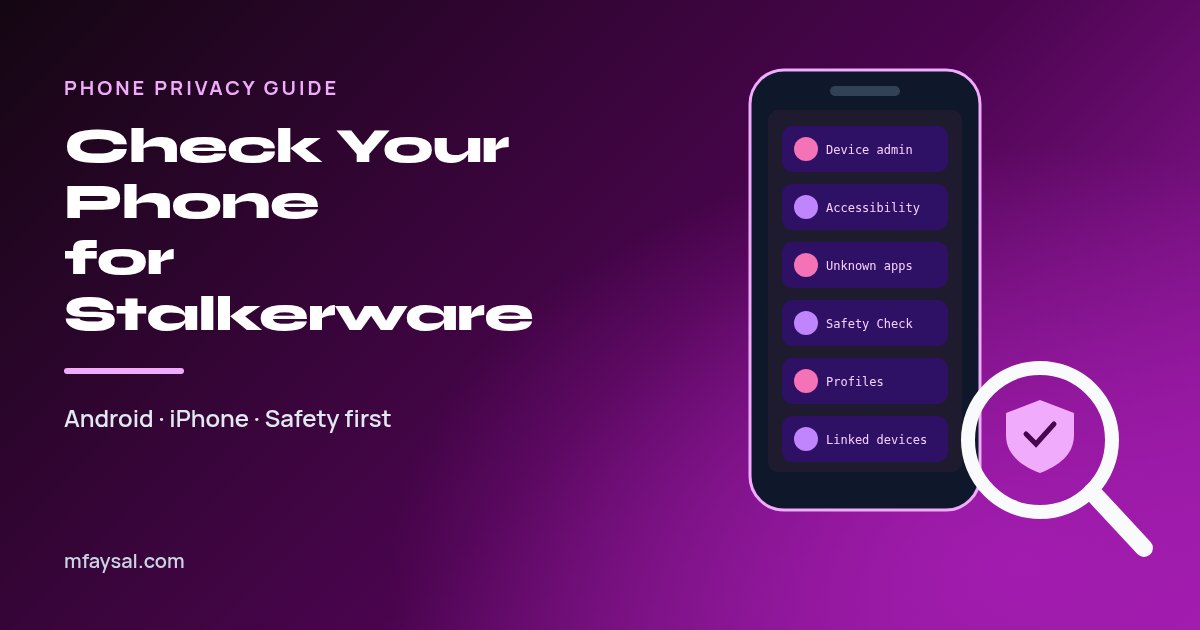
To check for stalkerware, review your full app list, device admin and accessibility apps, and unknown-app installs on Android, or Safety Check, configuration profiles and signed-in devices on iPhone. If an abuser might notice, get help from a safe device before changing anything.
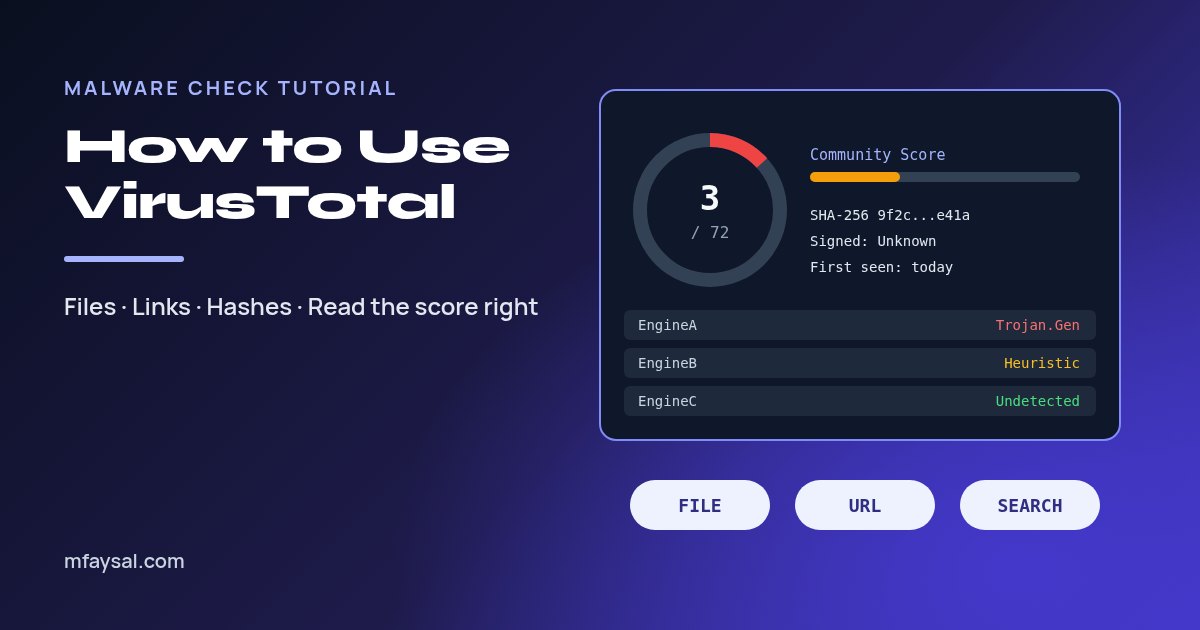
To use VirusTotal, go to virustotal.com and choose File, URL or Search. Search a file's SHA-256 hash first, upload only files that aren't private, then read who flagged it, not just the score. A clean result isn't proof of safety, and anything you upload can be seen by security researchers.
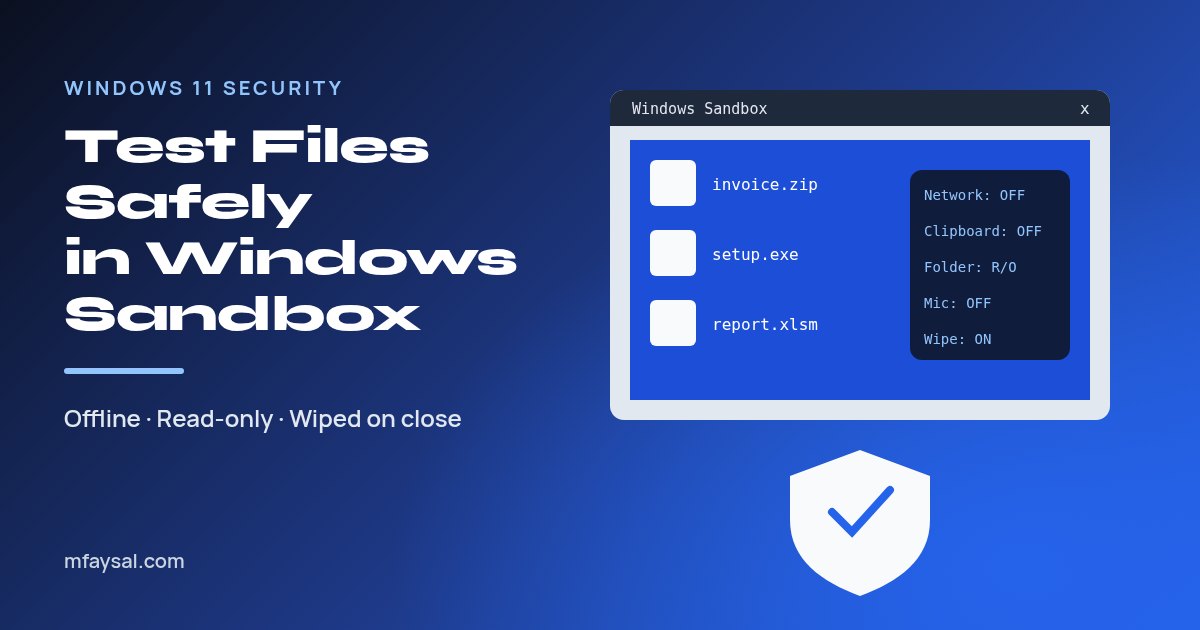
Windows Sandbox is a throwaway copy of Windows built into Windows 11 Pro, Enterprise and Education. Turn it on in Windows Features, open the file you don't trust inside it, then close the window and everything inside is deleted. For risky files, start it with networking off and a read-only folder.
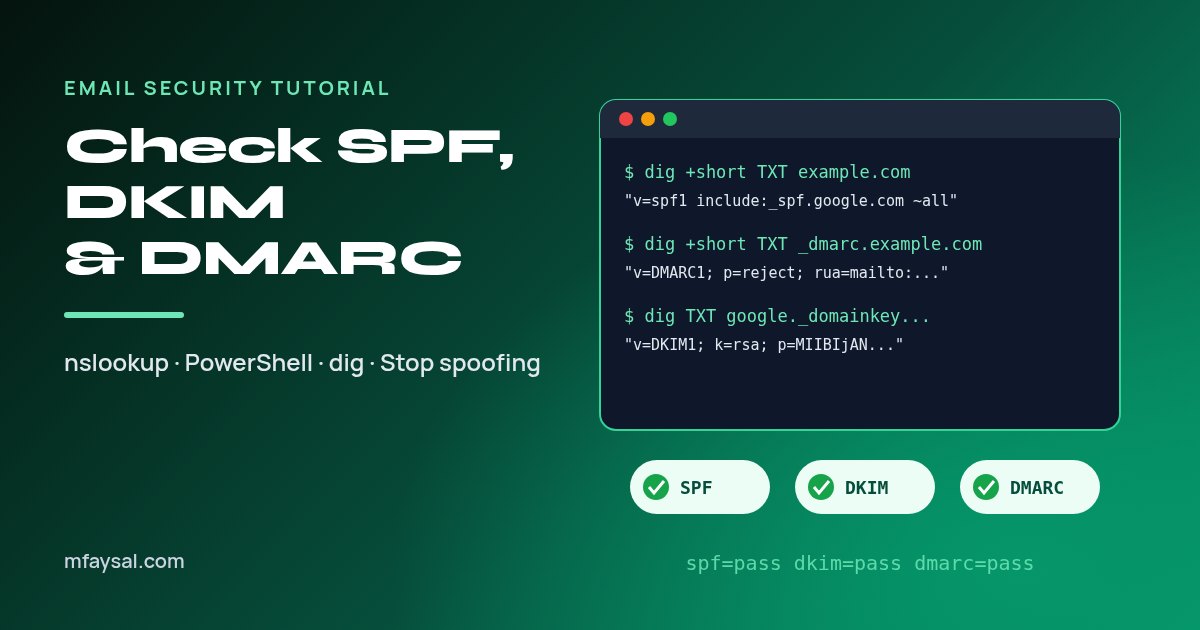
To check SPF, DKIM and DMARC, look up three DNS TXT records: SPF at the domain itself, DMARC at _dmarc.yourdomain, and DKIM at selector._domainkey.yourdomain. Use nslookup or PowerShell on Windows and dig on Mac or Linux, then read the results line by line.
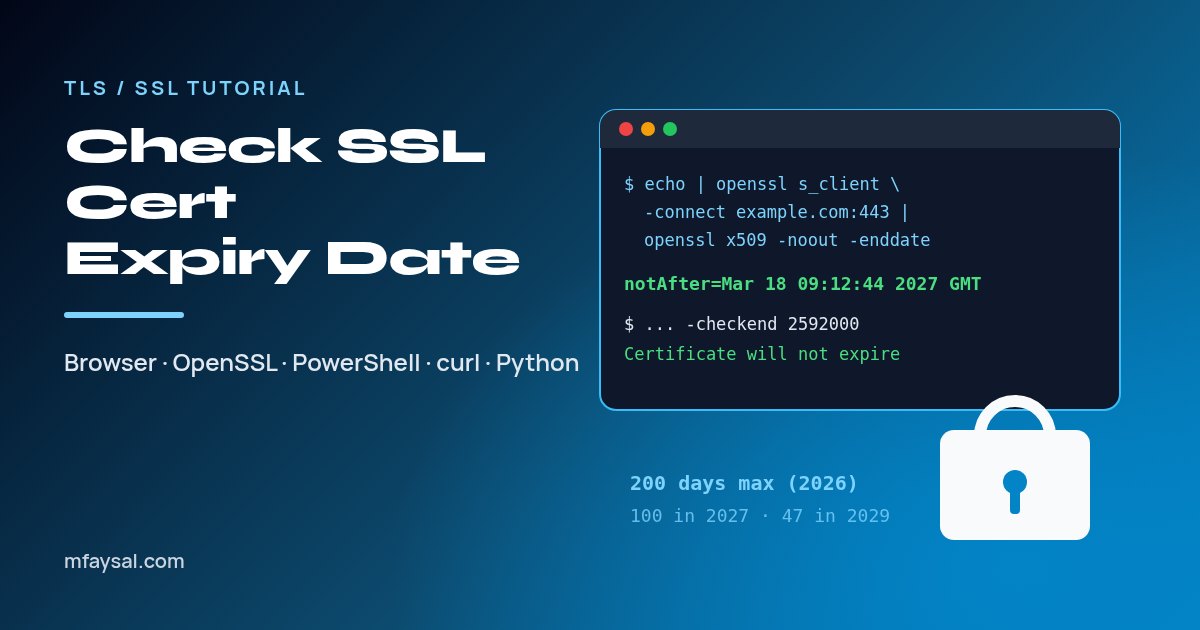
To check an SSL certificate expiry date, click the padlock or site-information icon in your browser and read the Expires on date, or pipe openssl s_client into openssl x509 -noout -enddate. On Windows, PowerShell reads the NotAfter date, and -checkend warns you before it lapses.
0%