To use VirusTotal, open virustotal.com and pick one of three tabs: File to upload something you've downloaded, URL to check a link, or Search to look up a file hash, domain or IP address. The safest habit is to search the file's SHA-256 hash first and only upload the file if VirusTotal has never seen it and it contains nothing private. Then read the report properly: look at which engines flagged it and what they called it, not just the number. One or two vague detections are often false positives; a long list of well-known vendors naming a specific malware family means delete it. A score of zero isn't a guarantee of safety, and VirusTotal doesn't remove anything from your computer.
VirusTotal is one of those tools that security people use every day and everyone else hears about once, usually from a forum post saying "just run it through VirusTotal". It's free, it doesn't need an account for basic checks, and it can save you from opening something nasty.
It's also easy to misread. I've seen people panic over a single detection on a perfectly normal installer, and I've seen others trust a fresh phishing link because it scored 0. Both mistakes come from reading the headline number and nothing else.
This tutorial walks you through checking a file, a link and a hash, explains every part of the report in plain English, and covers the privacy catch that most guides skip. It's written for home users, students and small business owners in the UK and US, and you don't need any technical background.
In this guide:
- What VirusTotal is (and what it isn't)
- Before you upload anything: the privacy catch
- Method 1: Check a file by its hash (no upload)
- Method 2: Upload a file to VirusTotal
- Method 3: Check a link or website
- How to read a VirusTotal report
- What the detection score actually means
- Using VirusTotal on your phone and in your browser
- Using the free VirusTotal API (for developers)
- If VirusTotal says a file is malicious
- Reporting phishing and scams in the UK and US
- My quick VirusTotal routine
- Frequently asked questions
What VirusTotal is (and what it isn't)
VirusTotal is an online service, owned by Google since 2012, that runs whatever you give it past dozens of security products at once. According to VirusTotal's own explanation of how it works, it checks items with over 70 antivirus scanners and URL or domain blocklisting services, plus extra tools that pull out file details and behaviour.
Think of it as asking 70 security guards for their opinion at the same time. That's far more useful than asking one, but it's still an opinion poll rather than a final verdict.
Here's what it can and can't do for you:
- It can tell you whether known security vendors recognise a file, link, domain or IP address as harmful.
- It can show you extra clues, such as when a file was first seen, whether it's digitally signed, and what it did when run in a test environment.
- It can't clean or protect your computer. It's a lookup service, not antivirus software.
- It can't prove something is safe. Brand-new or targeted malware can score zero for hours or days.
Keep your normal antivirus, such as Microsoft Defender on Windows, switched on. VirusTotal is a second opinion that sits alongside it.
Before you upload anything: the privacy catch
This is the bit most quick guides bury at the bottom, so I'm putting it near the top. When you upload a file to VirusTotal, you're sharing it. Reports go to the public VirusTotal community, and VirusTotal says the contents of submitted files may also be shared with its premium customers, who include security companies and researchers.
In practice that means:
- Never upload private documents. That includes payslips, contracts, CVs, medical letters, tax returns, scanned IDs and anything from work that isn't public.
- Be careful with links that contain personal tokens. Password-reset links, "view your invoice" links and unsubscribe links often carry an ID that belongs to you. Submitting them can expose that ID.
- At work, check your policy first. Many organisations forbid uploading internal files. During a live incident, uploading a sample can also tip off an attacker who watches VirusTotal for their own files.
The good news is that you can check most suspicious files without uploading them at all, by searching for their hash. That's the first method below.
Method 1: Check a file by its hash (no upload)
A hash is a fingerprint of a file. Change a single byte and the SHA-256 hash changes completely, so if VirusTotal has a report for the exact same hash, it has seen the exact same file. Searching a hash shares only that fingerprint, not the file's contents.
Step 1: Work out the SHA-256 hash.
On Windows, open PowerShell (right-click Start and choose Terminal) and run:
Get-FileHash "$env:USERPROFILE\Downloads\setup.exe" -Algorithm SHA256
Or in Command Prompt:
certutil -hashfile "%USERPROFILE%\Downloads\setup.exe" SHA256
On a Mac, open Terminal and run:
shasum -a 256 ~/Downloads/setup.dmg
On Linux:
sha256sum ~/Downloads/setup.AppImage
You'll get a 64-character string of letters and numbers. Copy it.
Step 2: Search it. Go to virustotal.com, click the Search tab, paste the hash and press Enter.
Step 3: Read the result. If a report appears, jump to the section on reading the report below. If you see "No matches found", VirusTotal hasn't seen this file before. That isn't good or bad on its own. Popular software is almost always already there, so an unknown hash for something that claims to be a well-known app is a small warning sign in itself.
If the publisher lists an official hash on their download page, compare that too. My guide on how to verify a file checksum shows how to match the two in a couple of commands.
Method 2: Upload a file to VirusTotal
If the hash search found nothing and the file is definitely not private, you can upload it.
- Go to
virustotal.com and make sure the File tab is selected. - Click Choose file, or drag the file onto the page.
- Read the note about the Terms of Service and Privacy Notice, then confirm the upload.
- Wait while the engines run. Small files usually finish in under a minute; big ones take longer.
- Leave the tab open. The report fills in as each engine responds.
A few practical limits are worth knowing:
| Situation | What happens | Tip |
|---|
| File up to 650 MB | Accepted | Anything over 200 MB is usually an archive or disk image, so scan the files inside instead. |
| Normal .zip or .7z archive | VirusTotal opens it and lists the files inside under Relations | Check which inner file triggered a detection. |
| Password-protected archive | VirusTotal tries common passwords such as "infected"; you can type the password for a single-file archive up to 3 MB | For larger protected archives, extract first, then upload the file itself. |
| Office document or PDF | Scanned, and macros or embedded scripts are listed under Details | Only upload if it contains nothing personal. |
| File already known | You see the existing report straight away | Check the analysis date and click Reanalyze if it's old. |
VirusTotal's documentation on which compressed files it supports has the full details on archives and passwords.
Method 3: Check a link or website
Checking a link is the most common everyday use, especially for links in emails, texts and social media messages you weren't expecting.
- Copy the link without opening it. On a computer, right-click it and choose Copy link. On a phone, press and hold the link and choose Copy. Don't tap it.
- Go to
virustotal.com and select the URL tab. - Paste the full link, including the
https:// part, and press Enter. - Read the vendor verdicts and the community score.
- For extra context, click the domain name in the report. The domain page shows its WHOIS record, DNS history and other files and links seen on it.
Look out for three things on a link report:
- Any vendor saying "Phishing" or "Malicious". URL engines are less prone to false alarms than file engines, so even one or two specific phishing verdicts deserve respect.
- A very new domain. If the domain's WHOIS record shows it was registered last week and it's pretending to be your bank, walk away.
- A final URL that doesn't match. Shortened links and QR codes often redirect elsewhere. Check where you actually end up.
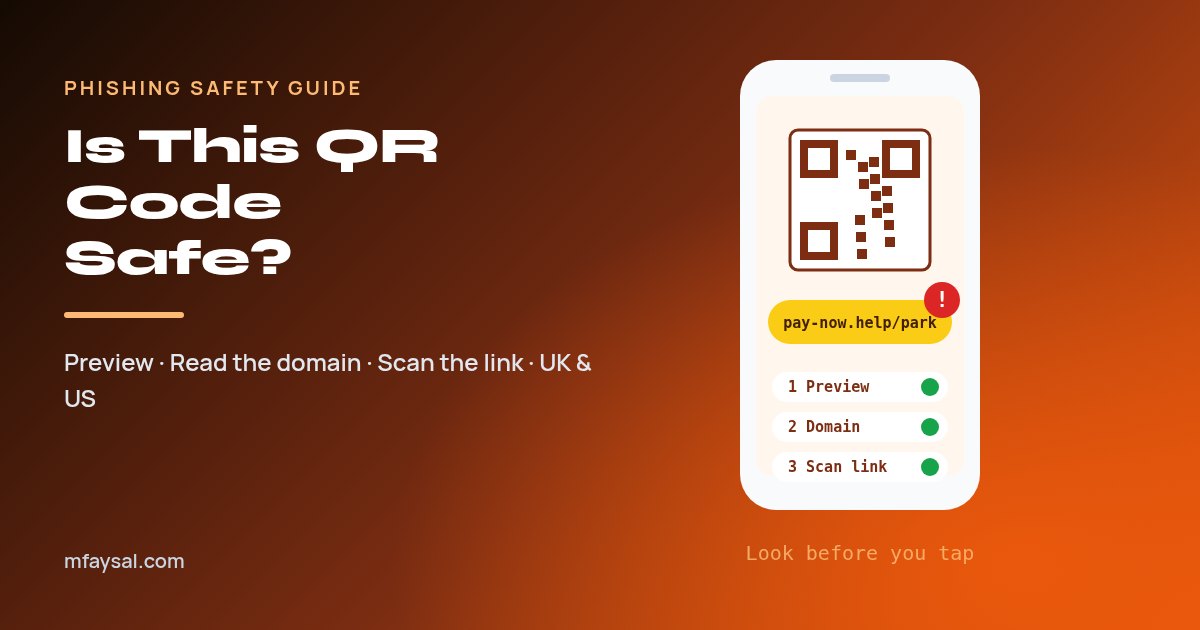
Phishing pages appear and disappear within hours, so a zero score on a link from an unexpected "your parcel is held" text means very little. If you scan links from posters and menus, my guide on how to check if a QR code is safe covers how to read a QR link before you open it.
How to read a VirusTotal report
Whether you searched a hash, uploaded a file or checked a URL, you'll land on a report page. Here's what each part means, based on VirusTotal's guide to its reports:
| Part of the report | What it tells you | What to look for |
|---|
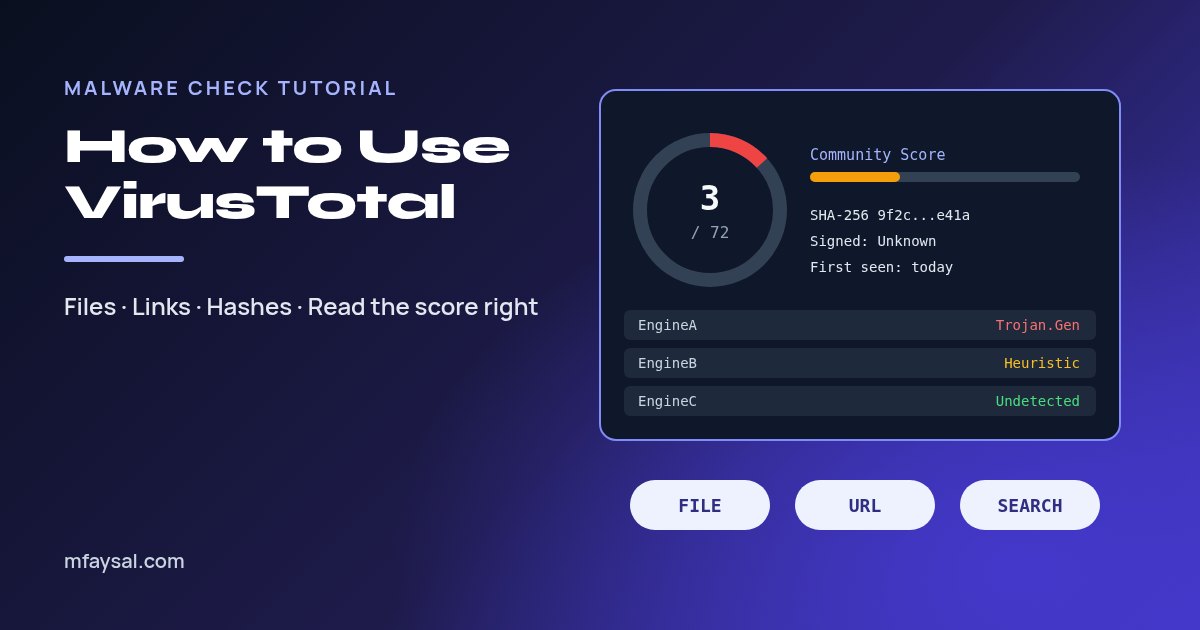
| Detection score (for example 3 / 72) | How many engines flagged it, out of how many checked it | The names behind the number matter more than the number itself. |
| Community Score | Votes from registered users, weighted by their reputation | Red (negative) suggests harmful; green (positive) suggests harmless. Treat it as a hint. |
| Detection tab | Each engine's verdict and the label it gave | Specific family names (such as "Trojan.AgentTesla") versus vague ones ("Generic", "ML", "Heuristic"). |
| Details tab | File type, size, hashes, first-seen date, names it was submitted under, signature info | Is it signed by the company it claims to be from? Was it first seen years ago or yesterday? |
| Relations tab | Linked domains, IP addresses, files inside an archive, parent files | Contact with odd domains, or a "PDF" bundled with an .exe. |
| Behavior tab | What the file did when run in a sandbox | Dropped files, startup changes, connections to unknown servers. |
| Community tab | Comments from other users and researchers | Useful context, but anyone can comment. |
| Analysis date and Reanalyze button | When the engines last checked it | If the date is old, click Reanalyze for fresh verdicts. |
Two parts deserve extra attention. On the Details tab, look for a valid digital signature from the real publisher. A copy of a popular app with no signature, or signed by an unrelated company, is suspicious even with a low score.
On the Behavior tab, you don't need to understand every line. A plain installer usually writes files into its own program folder. Something that sets itself to run at startup, disables security tools or talks to a random server straight away is behaving badly.
What the detection score actually means
Here's a simple way to turn the score into a decision. It's a rule of thumb, not a law, so always combine it with the context in the report.
| What you see | Likely meaning | What I'd do |
|---|
| 0 detections, file from the official website, well-known publisher, valid signature | Very likely fine | Go ahead, with normal antivirus still on. |
| 0 detections, unexpected attachment or brand-new file | Unknown, not proven safe | Don't open it yet. Recheck in a day or test it in a sandbox. |
| 1 to 3 detections, all vague names ("Generic", "Heuristic", "ML", "Suspicious") | Often a false positive, common with small developer tools, game mods and packed installers | Check the signature and Behavior tab; get the file from the official source. |
| 1 to 3 detections that name "PUP", "Adware" or "Bundler" | Probably bundled extras rather than outright malware | Look for a cleaner download or a different app. |
| Several major vendors agreeing on a specific malware family | Very likely malicious | Delete it. If you already ran it, follow the steps below. |
| Any URL engine saying "Phishing" | Likely a fake login or scam page | Don't visit it, and never enter a password there. |
Why do false positives happen? Some engines use machine learning or "heuristics", which judge how a file looks rather than matching a known bad fingerprint. Small free tools, scripts compiled into .exe files and anything compressed with a packer can look odd to those engines. The engine versions on VirusTotal can also be configured differently from the desktop product you'd buy, so a detection there doesn't always mean that vendor's antivirus would block it on your PC.
Why do false negatives happen? Criminals test their malware against antivirus engines before sending it out, and a new phishing page hasn't been reported to anyone yet. That's exactly why a zero is weaker evidence than a long list of detections.
Using VirusTotal on your phone and in your browser
You don't need a laptop to use VirusTotal. The website works in any mobile browser, and it's particularly handy for checking links from texts and messaging apps.
- On iPhone or Android: long-press the suspicious link, choose Copy, open
virustotal.com in your browser, pick the URL tab and paste. - For downloaded files on Android: you can upload from the Files app through the website's File tab, but the same privacy rules apply.
- In your desktop browser: VirusTotal offers an official extension called VT4Browsers. Be aware that, by default, it can automatically submit files you download and send anonymised DNS data, so review its upload settings before you rely on it.
If you'd rather not install anything, the website alone covers everything in this guide. For other quick, no-sign-up helpers, such as converters and generators, take a look at my free online tools.
Using the free VirusTotal API (for developers)
If you write scripts, you can query VirusTotal programmatically. Sign up for a free account, open your profile and copy your API key. A hash lookup with curl looks like this:
curl --request GET \
  --url https://www.virustotal.com/api/v3/files/<SHA256> \
  --header "x-apikey: YOUR_API_KEY"
The JSON that comes back includes last_analysis_stats, which gives you counts for malicious, suspicious, undetected and harmless verdicts.
The free tier has firm rules. VirusTotal's public vs premium API page says the public API is limited to 500 requests a day and 4 requests a minute, must not be used in commercial products or services, and must not be used in business workflows that don't contribute new files. You also can't open extra accounts to get around those limits. Keep the key out of public code repositories, because anyone who finds it can use your quota.
If VirusTotal says a file is malicious
If you haven't opened the file yet, you're in good shape. Delete it, empty the Recycle Bin or Bin, and delete the email or message it came in. If it came from someone you know, contact them another way, because their account may have been hacked.
If you already opened or ran it:
- Disconnect from the internet by turning off Wi-Fi or unplugging the network cable. This can stop data being sent out.
- Run a full antivirus scan. On Windows, open Windows Security, choose Virus & threat protection, then Scan options, and run a Full scan. If that finds something, also run a Microsoft Defender Offline scan.
- Check what runs at startup for anything new you don't recognise.
- Change important passwords from a different, clean device, starting with email, banking and your password manager, and turn on two-factor authentication.
- Tell your bank straight away if you entered card or banking details anywhere.
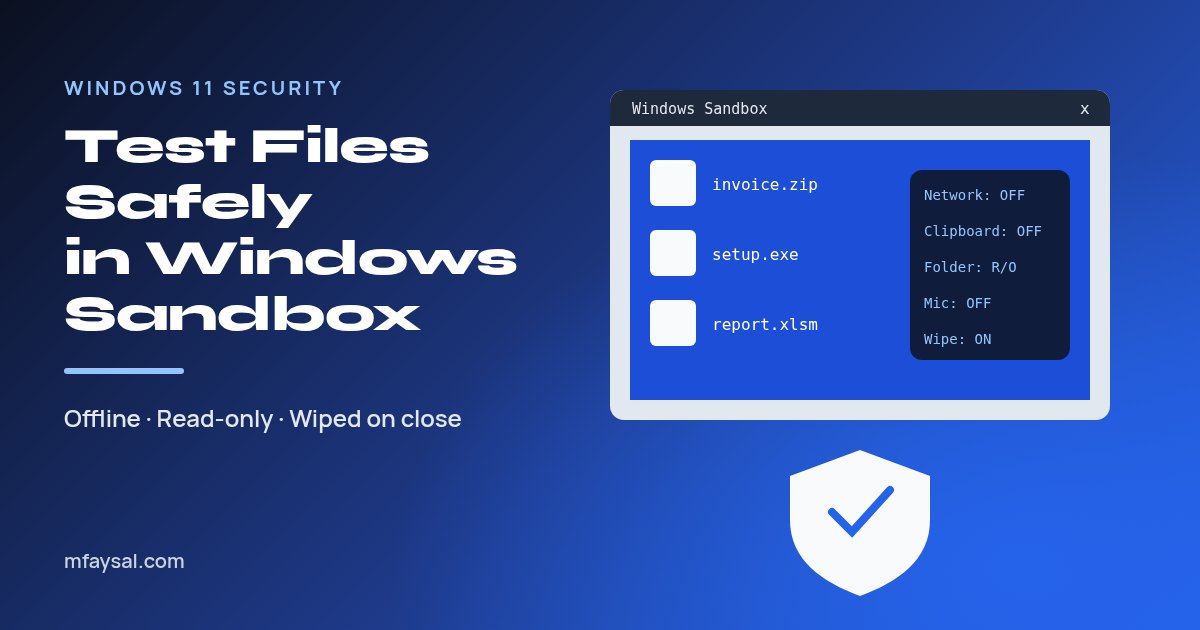
Next time, you can open risky files somewhere disposable first. My walkthrough on how to use Windows Sandbox shows how to test a file with networking switched off and nothing saved afterwards.
Reporting phishing and scams in the UK and US
VirusTotal helps you decide; reporting helps everyone else. If a link or attachment turns out to be a scam, report it:
| Where you are | Scam email | Scam text message | If you lost money |
|---|
| UK | Forward to report@phishing.gov.uk | Forward to 7726 (free) | Call your bank on 159, then report to Report Fraud (or Police Scotland on 101 in Scotland) |
| US | Forward to reportphishing@apwg.org and report at ReportFraud.ftc.gov | Forward to 7726 (SPAM) | Contact your bank, then report to ReportFraud.ftc.gov and the FBI's IC3 |
The UK's National Cyber Security Centre explains the email reporting service on its page about reporting scam emails. Forwarding a suspicious message costs nothing and helps get the scam site taken down faster.
My quick VirusTotal routine
Once you've done it a couple of times, the whole check takes about two minutes:
- Don't open the file or link yet.
- For a file, get its SHA-256 hash and search it.
- No match and nothing private inside? Upload it. Private? Don't upload; use a sandbox or ask the sender to confirm another way.
- For a link, copy it without opening and check it on the URL tab.
- Read the vendor names, labels, signature, first-seen date and behaviour, not just the score.
- Click Reanalyze if the report is old.
- Decide: open, test in a sandbox, or delete and report.
If the thing that made you suspicious was an email, it's also worth learning the tell-tale signs so you can spot the next one before reaching for any tool. My guide on how to spot phishing emails walks through them.
Frequently asked questions
Is VirusTotal safe to use?
Yes, VirusTotal is a legitimate free service owned by Google, and scanning a file or link there won't infect your computer. The main risk is privacy: uploaded files and their reports can be seen by security researchers and premium customers, so never upload private documents.
Is VirusTotal free?
The website is free for personal, non-commercial use, and you don't need an account to scan files or links. The free public API is limited to 500 requests a day and 4 a minute, and businesses need the paid premium service.
Can I trust a VirusTotal result of 0 detections?
Treat it as encouraging, not as proof. New malware and fresh phishing pages often score zero at first. Combine the score with the file's source, digital signature, first-seen date and behaviour, and click Reanalyze a day later if you're unsure.
How many detections on VirusTotal is bad?
There's no magic number. One to three vague or heuristic detections are often false positives, while several major vendors naming the same malware family is a strong warning. For links, even one specific phishing verdict deserves caution.
Does VirusTotal remove viruses?
No. VirusTotal only analyses files and links and tells you what security engines think of them. To remove malware, use antivirus software on your device, such as a full or offline scan in Microsoft Defender.
Can other people see the files I upload to VirusTotal?
Yes, potentially. VirusTotal shares reports with its community and says the contents of submitted files may be shared with premium customers. Search by hash instead if the file might contain anything personal.
What is the maximum file size for VirusTotal?
VirusTotal accepts files up to 650 MB. For anything over about 200 MB, which is usually an archive or disk image, it recommends scanning the individual files inside instead.
Can I check a link on VirusTotal without clicking it?
Yes. Copy the link by right-clicking or long-pressing it, then paste it into the URL tab on virustotal.com. Visiting the report doesn't open the suspicious page on your own device.
Last checked: 30 October 2026. Figures, settings and guidance can change, so confirm anything important with the sources linked above.