Cybersecurity for Beginners: A Complete Guide to Staying Safe Online
A beginner-friendly guide to cybersecurity, online threats, password safety, phishing prevention, and protecting your personal information.
Notes
Security notes, SOC lab write-ups and tested code by Mahir Faysal, a SOC Level 1 cybersecurity learner in Bangladesh, plus notes from my Next.js and Gemini projects. Sample posts are marked and drafts stay in the admin area.
A beginner-friendly guide to cybersecurity, online threats, password safety, phishing prevention, and protecting your personal information.
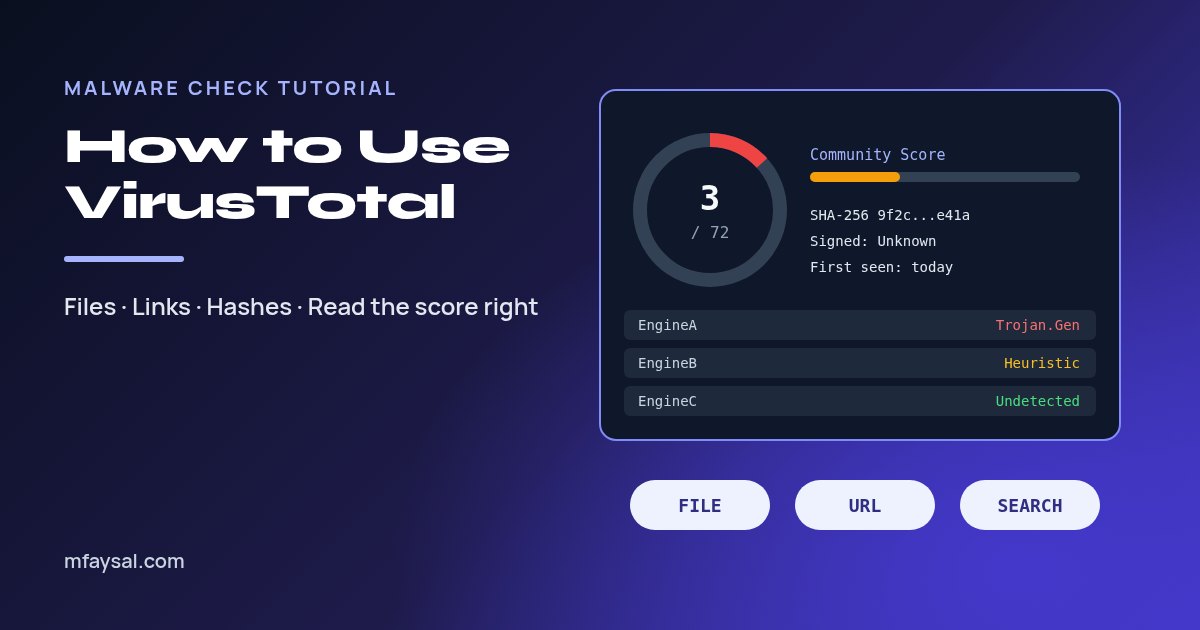
To use VirusTotal, go to virustotal.com and choose File, URL or Search. Search a file's SHA-256 hash first, upload only files that aren't private, then read who flagged it, not just the score. A clean result isn't proof of safety, and anything you upload can be seen by security researchers.
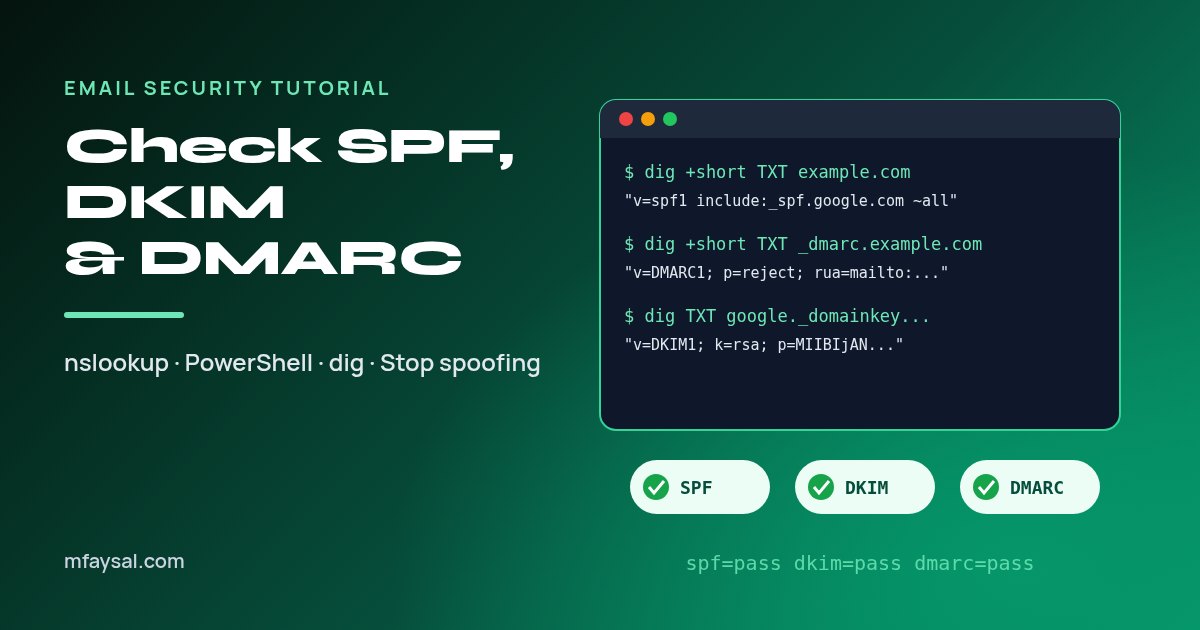
To check SPF, DKIM and DMARC, look up three DNS TXT records: SPF at the domain itself, DMARC at _dmarc.yourdomain, and DKIM at selector._domainkey.yourdomain. Use nslookup or PowerShell on Windows and dig on Mac or Linux, then read the results line by line.
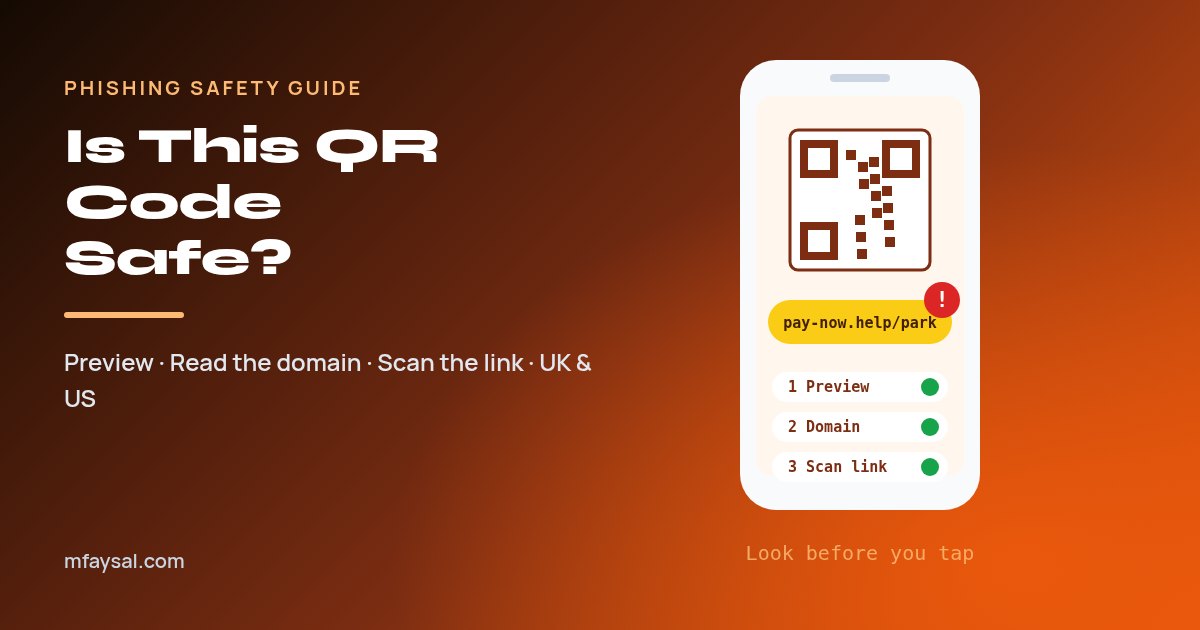
To check if a QR code is safe, preview the web address before opening it, make sure the domain belongs to the real organisation, look for stickers over the original code, and test doubtful links with a free scanner. If a page asks for a password or card details, use the official site or app.
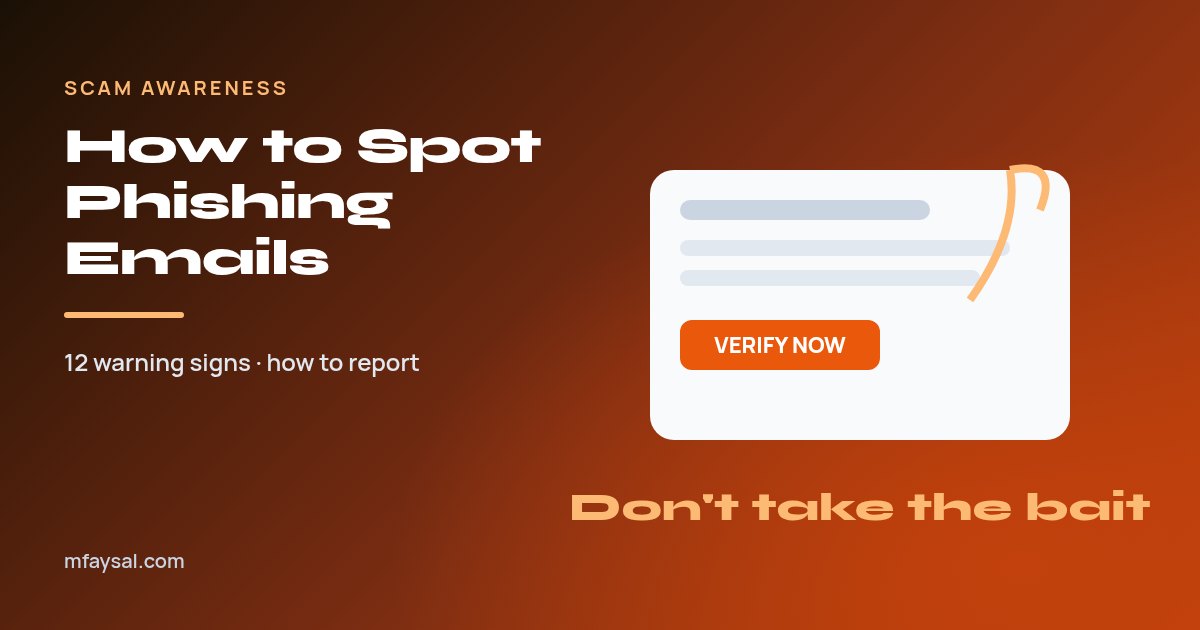
To spot a phishing email, look for urgency or threats, a sender address that doesn't match the company, links whose real address differs from the text, unexpected attachments, requests for passwords, codes or payment, and generic greetings.
On 6 October 2026 ASOS app users received a push notification reading 'ASOS HACKED'. ASOS later confirmed attackers took customer profiles including names, addresses, phone numbers and emails, but not payment details or passwords. Here is a factual timeline and eight practical steps to stay safe.
0%