Learning notes
How to Calculate a Percentage: Of, Change and Reverse
To calculate a percentage of a number, multiply the number by the percent and divide by 100 (or multiply by the decimal form: 20% is 0.20).
To calculate sales tax backwards, divide the total you paid by 1 plus the tax rate as a decimal. That gives you the pre-tax price, and the difference between the two is the tax. For a $107 receipt at 7%, $107 ÷ 1.07 = $100, so the tax was $7.
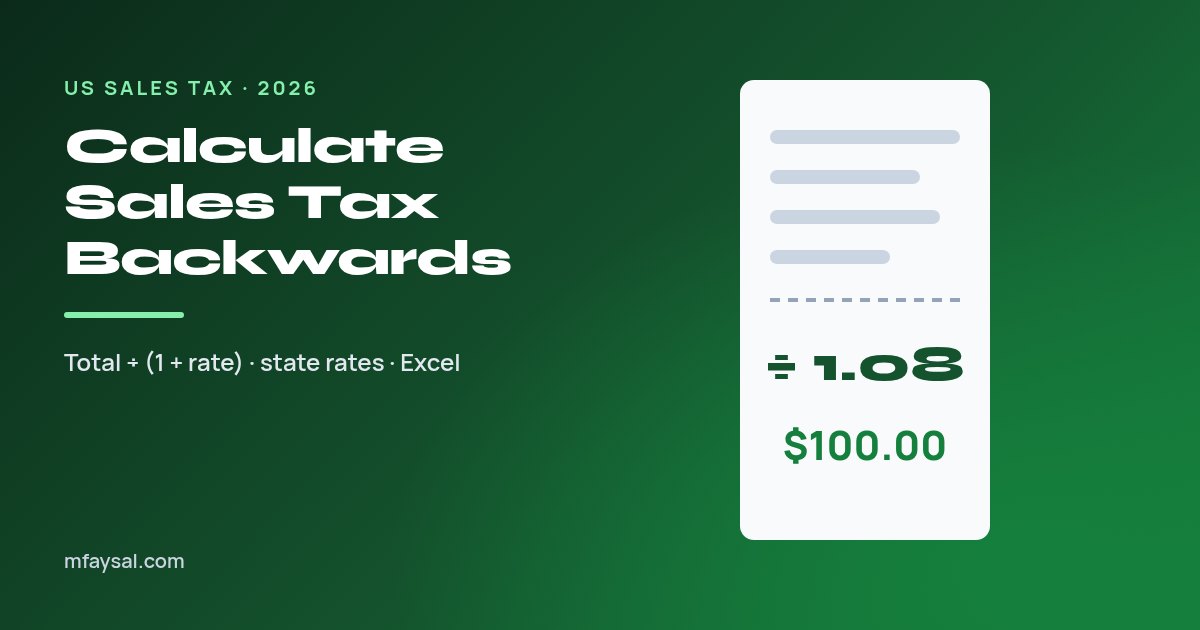
To calculate sales tax backwards, divide the total you paid by 1 plus the tax rate as a decimal. That gives you the pre-tax price, and the difference between the two is the tax. For a $107 receipt at 7%, $107 ÷ 1.07 = $100, so the tax was $7.
People need this more often than you'd think. Freelancers split tax out of expense receipts, small shops price items so the total lands on a round number, and travellers want to know what they actually paid for that hotel room in Chicago.
This guide shows the formula, worked examples, the 2026 combined rates for major states, spreadsheet formulas and the mistakes that throw results off by a few cents or a few dollars. If you'd rather skip the maths, the free sales tax calculator handles both directions.
In this guide:
Sales tax gets added on top of a price. If an item costs P and the rate is r, the total T is P × (1 + r). To undo that, divide instead of multiply:
Convert the rate to a decimal first. 8.25% becomes 0.0825, so you divide by 1.0825. A quick way to remember it: move the decimal point two places left, then put a 1 in front.
That's the whole method. Everything else in this guide is about choosing the right rate and avoiding small traps that skew the answer.
Let's run the formula on a few realistic receipts.
Example 1: $53.50 at 7%. Divide 53.50 by 1.07 to get $50.00. Subtract: 53.50 − 50.00 = $3.50 tax.
Example 2: $216.50 in Houston at 8.25%. 216.50 ÷ 1.0825 = $200.00. The tax was $16.50.
Example 3: $89.99 in Los Angeles at 9.75%. 89.99 ÷ 1.0975 = $81.995..., which rounds to $82.00. The tax was $7.99.
Example 4: finding the rate itself. A receipt shows a $60.00 subtotal and $4.35 tax. Divide 4.35 by 60.00 to get 0.0725, a 7.25% rate.
| Total paid | Rate | Divide by | Pre-tax price | Tax |
|---|---|---|---|---|
| $21.40 | 7% | 1.07 | $20.00 | $1.40 |
| $108.00 | 8% | 1.08 | $100.00 | $8.00 |
| $270.63 | 8.25% | 1.0825 | $250.00 | $20.63 |
| $1,095.00 | 9.5% | 1.095 | $1,000.00 | $95.00 |
| $54.88 | 9.75% | 1.0975 | $50.00 | $4.88 |
Real receipts round tax to the cent on each line, so your reverse result can be a cent or two off. That's normal, not a mistake.
The most common error is taking 8% off a total that included 8% tax. It feels logical, but it gives the wrong answer.
Here's why. The 8% was calculated on the pre-tax price, not on the total. If you take 8% of $108, you're working out 8% of a bigger number, so you remove too much.
The gap is small on one coffee and real on a car, a laptop or a year of expenses. On a $30,000 purchase at 8%, subtracting gives $27,600 instead of the correct $27,777.78, an error of more than $177.
The same mistake shows up with discounts and VAT, which is why "divide, don't subtract" is a rule worth tattooing on your spreadsheet. Our percentage calculator helps if you want to double-check percentage-of and percentage-change figures separately.
The US has no federal sales tax. Each state sets its own rate, and most let counties and cities add local taxes on top. That's why the combined rate matters more than the state headline.
The table below uses mid-2026 figures from the Tax Foundation's 2026 midyear sales tax report. Local rates are population-weighted averages, so your exact address may differ.
| State | State rate | Average local rate | Average combined rate |
|---|---|---|---|
| Louisiana | 5.00% | 5.13% | 10.13% |
| Tennessee | 7.00% | 2.61% | 9.61% |
| Washington | 6.50% | 3.07% | 9.57% |
| California | 7.25% | 1.78% | 9.03% |
| Illinois | 6.25% | 2.73% | 8.98% |
| New York | 4.00% | 4.54% | 8.54% |
| Arizona | 5.60% | 2.94% | 8.54% |
| Texas | 6.25% | 1.95% | 8.20% |
| Colorado | 2.90% | 4.99% | 7.89% |
| Georgia | 4.00% | 3.56% | 7.56% |
| Ohio | 5.75% | 1.54% | 7.29% |
| Florida | 6.00% | 0.98% | 6.98% |
| Pennsylvania | 6.00% | 0.34% | 6.34% |
| Alaska | 0.00% | 1.82% | 1.82% |
Five states have no statewide sales tax: Alaska, Delaware, Montana, New Hampshire and Oregon. Of those, only Alaska lets local governments charge one. The national population-weighted average combined rate sits at 7.53%.
Averages are fine for estimates, but a reverse calculation is only as accurate as the rate you plug in. Use one of these to pin it down:
If you only know the subtotal and the total, you can work out the rate directly: (total − subtotal) ÷ subtotal. A $45.00 subtotal and a $48.71 total gives 3.71 ÷ 45 = 8.24%, which suggests an 8.25% rate with rounding.
If you log receipts in a spreadsheet, one formula per column does the job. Assume the total is in cell B2 and the rate, entered as a percentage, is in C2.
| What you want | Formula |
|---|---|
| Pre-tax price | =ROUND(B2/(1+C2),2) |
| Tax amount | =B2-ROUND(B2/(1+C2),2) |
| Tax rate from subtotal and tax | =D2/E2 (format as %) |
| Total from pre-tax price | =ROUND(A2*(1+C2),2) |
Format column C as a percentage so 8.25 displays as 8.25% and Excel stores it as 0.0825. If you type 8.25 into a plain number cell, the formula will divide by 9.25 and give nonsense.
The ROUND function matters for bookkeeping. Without it, you'll carry fractions of a cent into totals, and your columns won't match your bank statement.
Market stalls, food trucks and event sellers often want a $5, $10 or $20 total so change is easy. Reverse sales tax tells you the shelf price to set.
Say you want customers to pay exactly $10.00 at 8.875% tax. Divide 10 by 1.08875 to get $9.1848. Round to $9.18, which gives a tax of $0.81 (rounded) and a total of $9.99. Try $9.19 and the tax rounds to $0.82, for a total of $10.01.
Tips aren't subject to sales tax in most places, so if you're splitting a restaurant bill, back out the tax before you add a tip on the pre-tax amount. The tip calculator works from whichever base you choose.
Freelancers and small business owners often keep a shoebox of receipts that show only the total. Splitting out the tax matters for a few reasons:
Keep the original receipt alongside your calculation. If the receipt itemises tax, use that exact figure rather than a reverse estimate, because it reflects any rounding and any items taxed at a different rate.
This is general information, not tax advice. Rules on what's deductible or reclaimable differ by state and by business type, so check with a qualified accountant for anything significant.
Most wrong answers come from a handful of slips. Run through this list when a result looks odd:
If your answer still looks wrong, test the reverse result by multiplying it back. Pre-tax price × (1 + rate) should return your original total, give or take a cent.
If you live in the UK, you're used to prices that already include tax. Value Added Tax works differently from US sales tax in a few key ways:
The reverse maths, though, is identical. To remove 20% VAT from a UK price, divide by 1.2. A £120 price contains £100 of goods and £20 of VAT. Our guide on how to calculate VAT covers the UK side in detail, including the reduced 5% rate.
Travellers visiting the US should budget an extra 7% to 10% on top of most marked prices, more in cities with high local taxes.
Divide the total by 1 plus the tax rate as a decimal to get the pre-tax price, then subtract that from the total. At 8%, divide by 1.08.
Pre-tax price = total ÷ (1 + rate). Sales tax = total − pre-tax price. You can also use tax = total × rate ÷ (1 + rate).
The tax was calculated on the pre-tax price, not the total. Subtracting a percentage of the total removes too much and gives a lower, wrong answer.
Divide the tax amount by the pre-tax subtotal, then multiply by 100. A $4.35 tax on a $60 subtotal means a 7.25% rate.
Alaska, Delaware, Montana, New Hampshire and Oregon have no statewide sales tax. Alaska still allows local sales taxes.
Louisiana has the highest average combined state and local rate at 10.13% as of mid-2026, followed by Tennessee at 9.61%.
Shops round tax to the nearest cent, sometimes per item. Reverse maths on the total can land a cent above or below the receipt.
The maths is the same. Divide by 1 plus the rate. For 20% UK VAT, divide the price by 1.2 to find the amount before VAT.
Last checked: 18 October 2026. Rates, rules and app settings can change, so confirm anything important with the official source linked above.
To calculate a percentage of a number, multiply the number by the percent and divide by 100 (or multiply by the decimal form: 20% is 0.20).
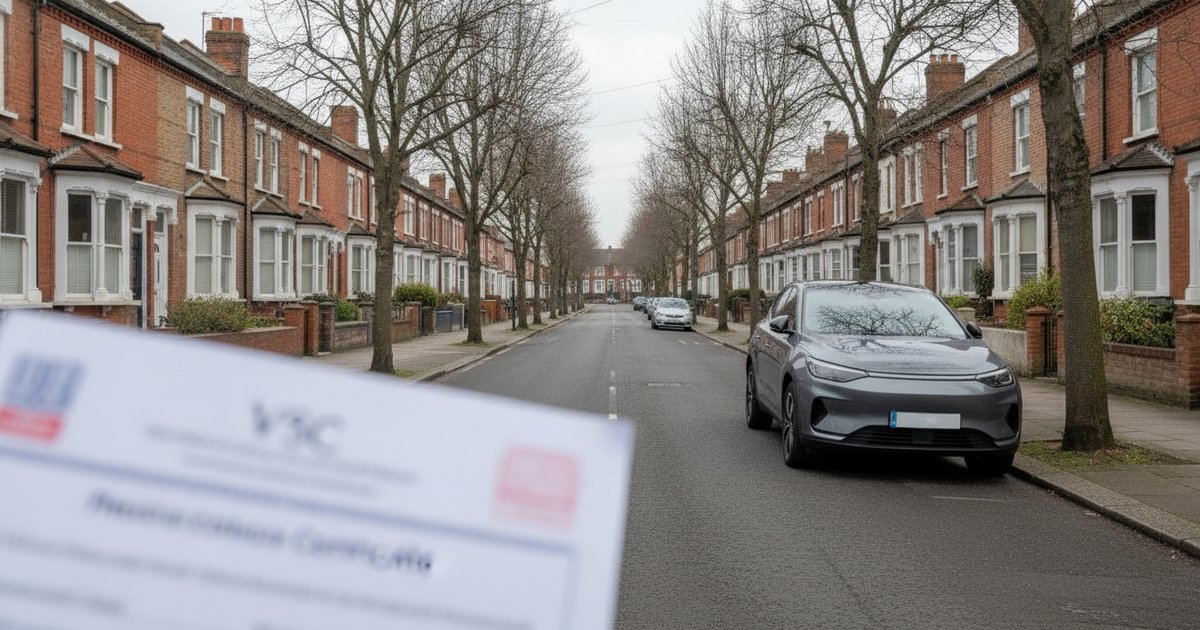
Cars first registered on or after 1 April 2017 pay vehicle tax based on CO2 emissions for the first year, then a standard rate of £200 a year for petrol, diesel, electric and alternative-fuel cars. Zero-emission cars pay £10 in the first year.
In the 2026/27 tax year the overall UK ISA allowance is £20,000. Junior ISAs have a separate £9,000 limit, and you can put up to £4,000 into a Lifetime ISA within the £20,000 overall cap.

From 6 April 2026, Statutory Sick Pay (SSP) in the UK is the lower of £123.25 a week or 80% of your average weekly earnings. Employers pay it from the first full qualifying day you are off sick, for up to 28 weeks.