Coding tips
How to Change Your DNS and Enable DNS over HTTPS on Windows 11 (Settings, PowerShell and Browsers)
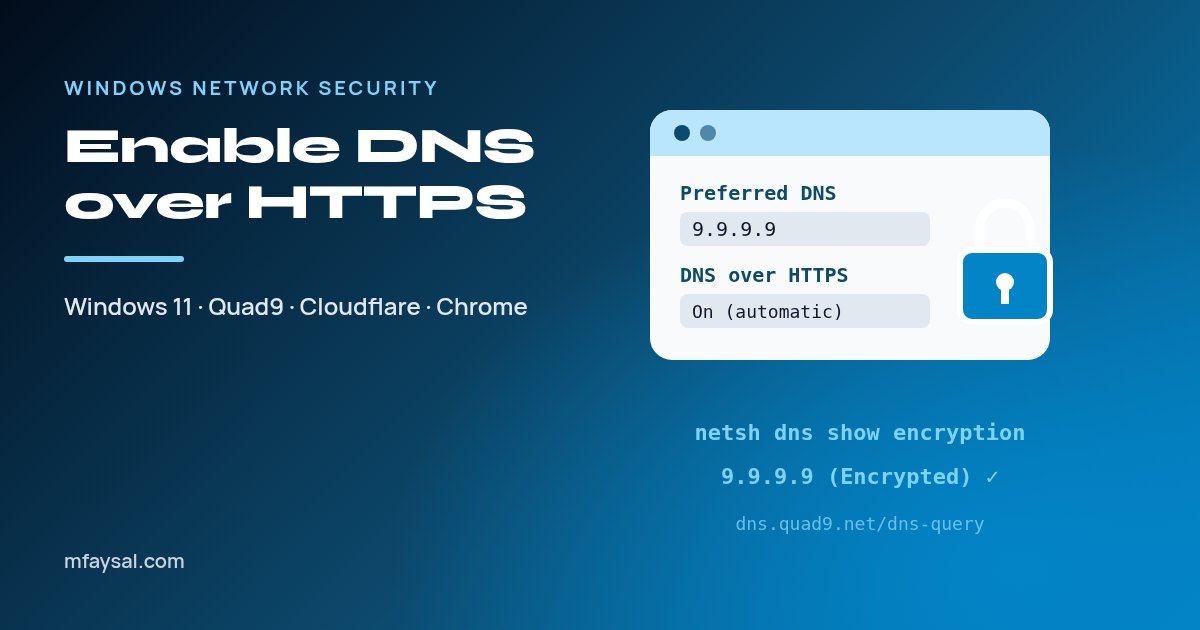
To enable DNS over HTTPS on Windows 11, open Settings > Network & internet, choose your connection, edit DNS server assignment, switch to Manual, enter a supported resolver such as 9.9.9.9 or 1.1.1.1 and set DNS over HTTPS to On (automatic template).