Coding tips
How to Use Windows Sandbox to Test Suspicious Files Safely (Windows 11 Step-by-Step)
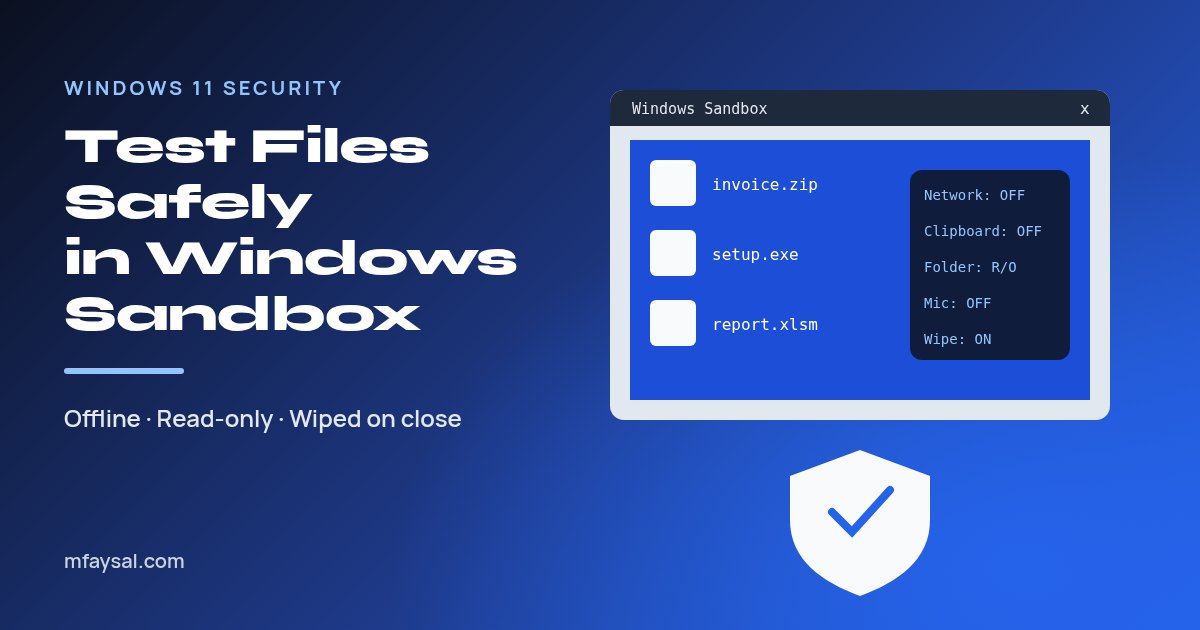
Windows Sandbox is a throwaway copy of Windows built into Windows 11 Pro, Enterprise and Education. Turn it on in Windows Features, open the file you don't trust inside it, then close the window and everything inside is deleted. For risky files, start it with networking off and a read-only folder.