Windows Security How-To Guides: Check, Lock Down and Clean Up Your PC
Step-by-step Windows security guides: check Defender, startup programs, failed logins, open ports, UAC, encryption, passwords and 2FA. Plain English, free tools.
Notes
Security notes, SOC lab write-ups and tested code by Mahir Faysal, a SOC Level 1 cybersecurity learner in Bangladesh, plus notes from my Next.js and Gemini projects. Sample posts are marked and drafts stay in the admin area.
Step-by-step Windows security guides: check Defender, startup programs, failed logins, open ports, UAC, encryption, passwords and 2FA. Plain English, free tools.
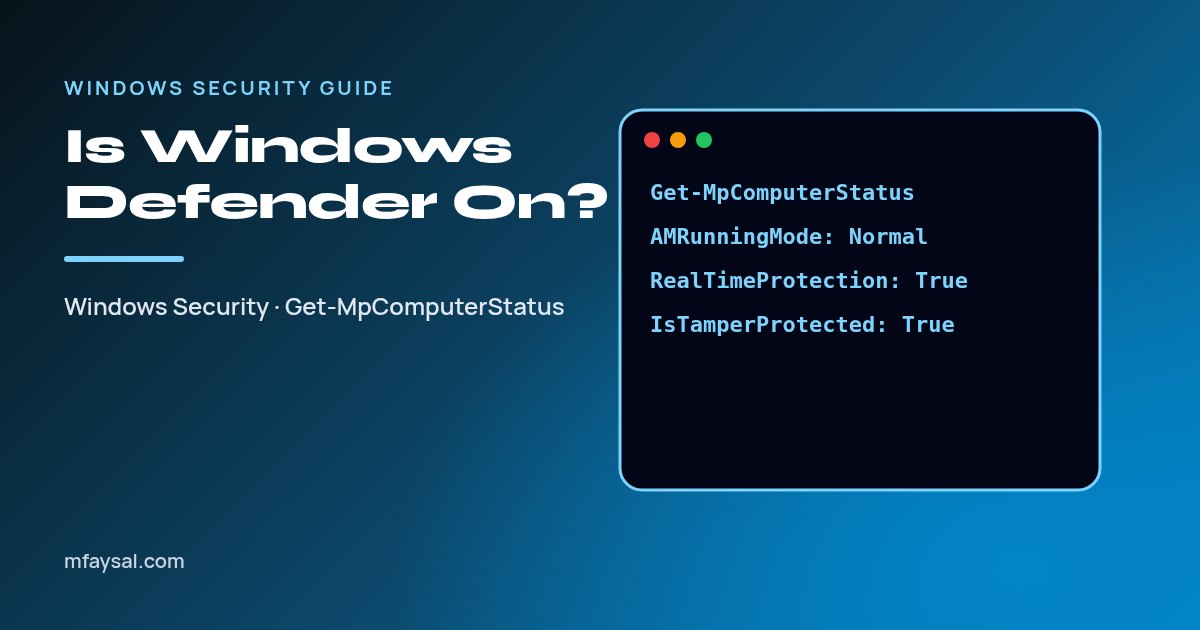
Check if Microsoft Defender Antivirus is on, up to date and not in passive mode. Windows Security steps, Get-MpComputerStatus fields, tamper protection and fixes.
The quickest way to test a webcam is to open a browser-based webcam test, allow camera access when asked, and check that a live picture appears. If it does, note the resolution and frame rate.
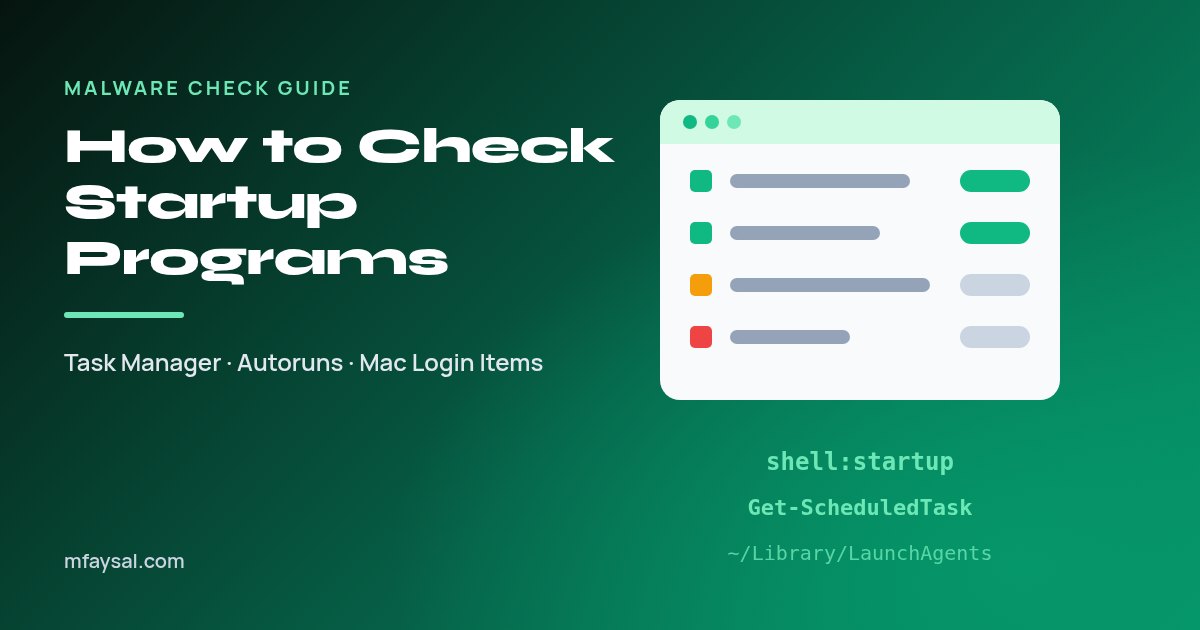
To check startup programs, open Task Manager > Startup apps on Windows or System Settings > General > Login Items & Extensions on a Mac. For a full picture, including scheduled tasks and services, use Microsoft's free Autoruns tool.
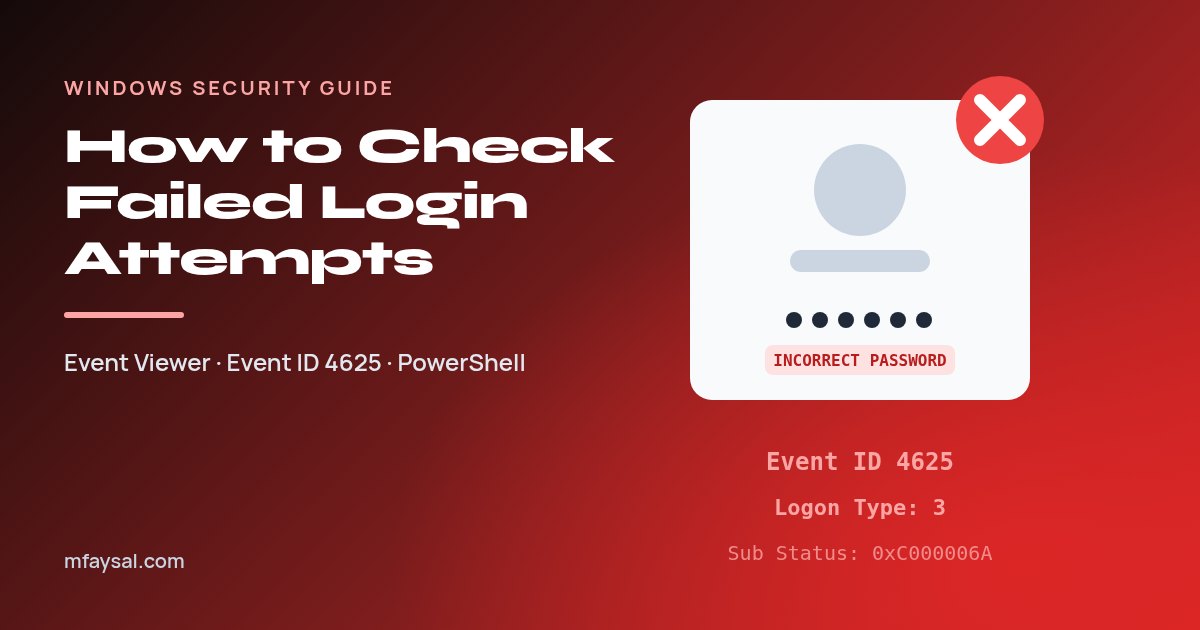
To check failed login attempts on Windows, open Event Viewer as an administrator, go to Windows Logs > Security and filter for Event ID 4625. Each event shows the account, the logon type, why it failed and where the attempt came from.
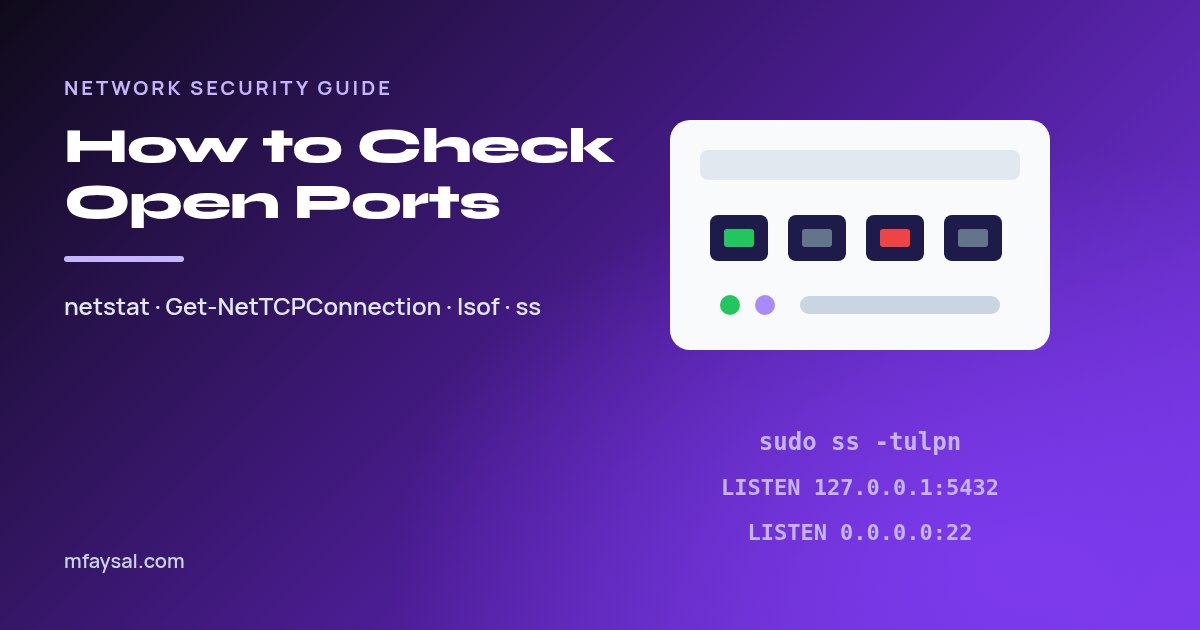
Check open ports with netstat -ano or Get-NetTCPConnection on Windows, sudo lsof -iTCP -sTCP:LISTEN -n -P on a Mac, and sudo ss -tulpn on Linux. Then match each port to its program and close or firewall anything you don't need.
0%