Coding tips
Time Calculator 2026: How to Calculate Hours and Minutes
Use a time calculator for timesheets and study logs. Add durations, convert decimal hours, and handle overnight shifts with clear examples.
Learn how to use a free online stopwatch with start, lap, stop and reset. Record splits, copy results, and time training in your browser.
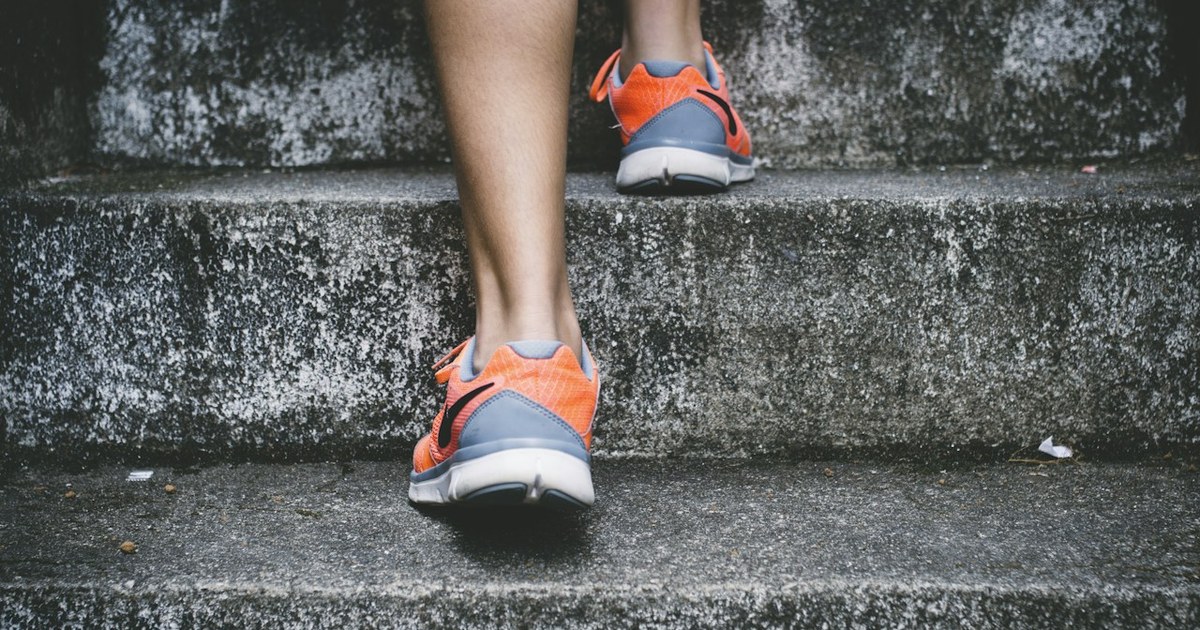
An online stopwatch is a browser clock that counts up from zero so you can measure how long something actually took — a sprint, a drill, a lesson segment, a pasta boil, or a meeting slot. You do not need an app install. Open a tab, press Start, and you are timing.
In 2026, the best free tools also give you lap rows, keyboard shortcuts, and one-click copy so coaches, teachers, and remote workers can keep results without wrestling a phone Clock app mid-session.
An online stopwatch counts up; a countdown timer counts down. Pick based on whether you already know the target length.
Press Start → Lap → Stop → Reset. Lap rows usually show the split (since last mark) and the total (since Start).
Keep the tab visible. Most browsers throttle background timers, which can make long efforts look jumpy when you return.
Learn three shortcuts on the mfaysal tool: Space (start/stop), L (lap), R (reset).
Copy or screenshot laps before you refresh. Most free tools keep times only in memory.
Use the free online stopwatch for count-up timing, and the online timer when you need an alarm.
A stopwatch measures elapsed time from a start event you choose. It does not care what the wall clock says. That is different from glancing at your phone and doing mental maths — and different from a world clock that only shows local time in a city.
Wikipedia’s overview of the stopwatch covers the mechanical lineage. Browser versions reuse the same idea with software timers. Solid pages read high-resolution clocks such as performance.now() and redraw with requestAnimationFrame, which is why a good web stopwatch can show hundredths of a second smoothly while the tab is active.
| Tool | Direction | Best for |
| --- | --- | --- |
| Online stopwatch | Counts up from 0 | Races, drills, “how long did that take?†|
| Countdown timer | Counts down to 0 | Pomodoro blocks, exams, oven times |
| World clock | Shows local time | “What time is it in Tokyo?†|
|---|
If the question is “how long until…â€, use a timer. If the question is “how long did…â€, use a stopwatch. If the question is “what time is it there?â€, use a world clock or timezone converter — covered in the timezone meeting guide.
Open the online stopwatch and leave the tab in the foreground.
Press Start (or Space).
Press Lap at each checkpoint: kilometre marker, drill end, question section, or speaker change.
Press Stop when the activity ends. Press Start again to resume if you only paused.
Press Reset only when you are ready to wipe the session.
On the mfaysal stopwatch (and many similar tools):
Space — start or stop
L — lap
Shortcuts matter when your eyes stay on athletes or a whiteboard. A wired keyboard usually feels snappier than a Bluetooth one for Space presses. Avoid holding Space — key-repeat should be ignored on well-built tools.
Different products use “lap†and “split†slightly differently. In practice you care about two numbers:
Split (segment): time since the previous mark
Example from a 4×400 m relay practice:
| Lap | Split | Total |
| --- | --- | --- |
| 1 | 1:02.40 | 1:02.40 |
| 2 | 1:04.10 | 2:06.50 |
| 3 | 1:03.55 | 3:10.05 |
| 4 | 1:01.90 | 4:11.95 |
|---|
The totals tell you the whole effort. The splits tell you who faded. After two or more laps, highlighting the fastest and slowest splits makes that pattern obvious. When you later want the mean of several finished times, use the average time calculator instead of averaging minutes and seconds as if they were decimals.
Browser timers are excellent for coaching, classrooms, cooking, and most training. They are not a substitute for World Athletics–grade photo finish systems.
Most browsers slow timers in background tabs to save battery. If you switch away to a messaging app, the display can lag or jump when you return. Pin the tab, keep the screen on, and avoid heavy laptop sleep during a timed set.
Your finger is part of the measurement. Hitting Lap a second late on every kilometre adds up. Call “mark†out loud and press in the same motion, or have an assistant own the button while you watch the field.
Seeing hundredths does not mean every hundredth is meaningful on a phone in a pocket. Treat hundredths as useful for short intervals; for long easy runs, whole seconds are usually enough.
Structure a session like this:
Warm-up easy — Lap
Hard interval — Lap
Recovery jog — Lap
Repeat
Review whether hard splits stayed within a few seconds of each other. Creeping slower usually means you opened too fast.
Use one stopwatch for performance marks and a separate online timer for fixed rest windows. Trying to force both jobs into one mental model mid-drill is how rest periods drift. Fullscreen or landscape mode on a tablet helps the whole group read the digits.
Teachers time reading sections, lab steps, or “two minutes of silence to think.†Students can self-time revision blocks. Pair a 25-minute focus countdown (Pomodoro-style) with a stopwatch when you want to measure how long a problem set actually took versus the planned block.
The Pomodoro Technique popularised short focus intervals separated by breaks. Use a timer for the planned block length; use a stopwatch when you are measuring an open-ended task.
Time lightning talks, stand-up updates, or usability test tasks. Lap at each agenda item so you can see which topics ate the hour. Copy the lap table into the meeting notes. If you later need to add those durations into a timesheet, the time calculator handles hh:mm:ss maths cleanly.
Ask one question: Do I already know how long this should last?
Yes → countdown timer with an alarm
Cooking pasta for “about 9 minutes†is a timer job. Timing how long a new recipe’s sauce reduction takes is a stopwatch job. HIIT with fixed 40-on / 20-off rounds is mostly timer work. Timing each athlete’s shuttle run is stopwatch work.
A browser stopwatch that runs locally does not need your email, does not upload lap times, and works after the page has loaded even if the network drops. That matters on school Wi‑Fi, gym basement signal, and shared computers. Clear the session with Reset when you hand the device to someone else.
Phone Clock apps are fine in a pocket. Browser tools win when you are already on a laptop projecting to a classroom screen, you want the same UI on Chromebooks without installing software, you need to copy a lap table into a doc in one click, or policy blocks installing random apps on managed devices.
Refreshing the page before copying laps — most free tools keep times only in memory.
Leaving the tab in the background during a long effort.
Using a stopwatch when you needed an alarm — you look up and realise the roast is charcoal.
Averaging minutes and seconds separately in a spreadsheet instead of converting to total seconds first.
Open the online stopwatch.
Start, then Lap every 15 seconds for one minute (four laps).
Stop. Check that splits sit near 0:15.00.
Copy the laps.
If your test laps wander by more than a second, your press timing — not the clock — is the noisy part.
Correct page open and bookmarked
Screen brightness up; auto-lock delayed
Keyboard or tap target tested with a 5-second dry run
Place ready to paste or photo the lap table
Two minutes of setup prevents twenty minutes of “what was that third rep?â€
After a good session, the lap table is the artifact. Copy it into a spreadsheet, paste it into chat for remote athletes, or drop a screenshot into the team drive. Do this before Reset — curiosity about “one more try†has wiped more good data than software bugs ever did.
When you compare sessions, match like with like: same drill, similar rest, similar conditions. A windy outdoor 200 m is not the same as an indoor 200 m, even if both say “0:28â€.
Online stopwatch — count up with laps
Online timer — countdown and Pomodoro-style presets
Average time calculator — mean of several mm:ss results
Time calculator — add or subtract durations
Hours calculator — start/end clock times with a break
Sibling guides: How to calculate hours and minutes · Timezone converter & world clock for meetings
The best online stopwatch is the one you actually open. Pick one bookmark, one shortcut set, and one place you paste results. Coaches often keep a shared note titled with the date. Teachers drop lap totals into the lesson plan. Runners paste splits under the route name.
A lightweight weekly rhythm works like this:
Monday — time one easy effort door to door (total only).
Wednesday — add kilometre or landmark laps.
Friday — one interval session with clear work/rest marks.
You do not need fancy analytics. Consistent marks beat occasional perfect data. If you later want to average several finished times, feed them into the average time calculator rather than eyeballing the list.
Large digits help more people than you think: assistants across a gym, students at the back of a room, anyone with low vision. High contrast themes and landscape tablets help. If you project the page, zoom the browser once before the session starts so you are not hunting for Ctrl + mid-drill.
Announce starts out loud. Not everyone can see the screen when they are mid-rep. A clear “Go†plus the Space press keeps the group aligned. When the group is remote, paste the live tool link in chat before the call so late joiners are not hunting bookmarks.
Skip web timing when:
An official result or qualification standard is on the line
You need guaranteed background timing with the screen off for 30+ minutes
Multiple independent judges must record the same finish for a dispute
In those cases, use the equipment your governing body or employer specifies. For everyday coaching, classrooms, cooking and most training, a well-kept browser tab is more than enough.
Some stopwatches beep on lap. Many silent UIs expect you to watch the digits. If you rely on audio cues, tap the page once first so the browser unlocks sound, and unmute the tab. For fixed-length rests, a countdown online timer with an alarm is usually clearer than trying to remember to glance at a rising stopwatch.
If you only have a moment to onboard a volunteer timer:
Show Start / Lap / Stop / Reset once.
Do a 20-second dry run with two laps.
Agree the verbal cue (“Mark!â€).
Agree where results will be pasted.
People remember the cue more than the UI. Keep the UI boring and the cue consistent. Point them at this guide later if they want the deeper lap-versus-total explanation.
Sun glare kills contrast on cheap tablets. Shade the screen or raise brightness before outdoor drills. Cold fingers miss small on-screen buttons — pair a Bluetooth keyboard if you rely on Space. Rain means plastic bags and patience; a dedicated sports watch may be kinder than a phone that must stay unlocked.
Indoors, projectors wash out pale grey text. Prefer high-contrast digits and a dimmed room when you can. If you are timing indoors and then adding durations into a timesheet, keep the time calculator bookmarked beside the stopwatch.
Raw times only help when they answer a question you wrote down first: “Can we hold 1:05 per 400 m for eight repeats?†or “Does station three always overrun?†Review the lap table against that question the same day. Waiting a week turns numbers into clutter.
Wrap-up examples by role:
PE teacher: Time a multi-station circuit. Lap at each rotation whistle. Compare station lengths afterward to rebalance the plan.
Swim coach: One assistant owns the stopwatch on deck. Another records names. Copy laps into the squad sheet before the next set.
Remote worker: Time deep-work experiments for a week. You may discover meetings fragment the day more than you felt.
None of these need a download. They need a clear start signal and the discipline to hit Lap when the moment happens — not five seconds later.
Chromebooks and shared lab PCs still block random app installs. A browser stopwatch sidesteps that policy. Bookmark the online stopwatch on the student profile, test Space once, and keep a laminated cue card that says Start / Lap / Stop / Copy.
Hybrid gyms projecting to a TV should disable screensaver and cast the tab only — not the whole desktop with notifications. Mute chat popups. If your session mixes fixed rests and open-ended efforts, open the stopwatch and the online timer in two windows side by side before athletes arrive.
Yes for coaching, intervals, classrooms and most fitness work. Keep the tab visible. For official records, use approved timing systems.
No. A browser stopwatch runs in the page after it loads.
Lap (split) is the segment since the last mark. Total is elapsed time since Start.
Many mobile browsers suspend background pages. Leave the screen on or use a dedicated app when you must pocket the device.
On the mfaysal tool, yes — use Copy laps after you record at least one lap.
If the page supports it, Space is fastest for start/stop. Avoid holding the key.
Use a countdown timer for planned focus length. Use a stopwatch when you measure how long a chapter actually took.
On a privacy-first tool that runs in the browser, times stay on your device until you reset or close the tab. Check the page’s note if you are unsure.
An online stopwatch is still the simplest timing instrument on the web in 2026: start, lap, stop, reset. Learn the two columns in the lap table, keep the tab awake, and save your results before you reset. When you need “time’s up†instead of “how long was that?â€, flip to a countdown timer — and keep both bookmarked next to your time and timezone tools.
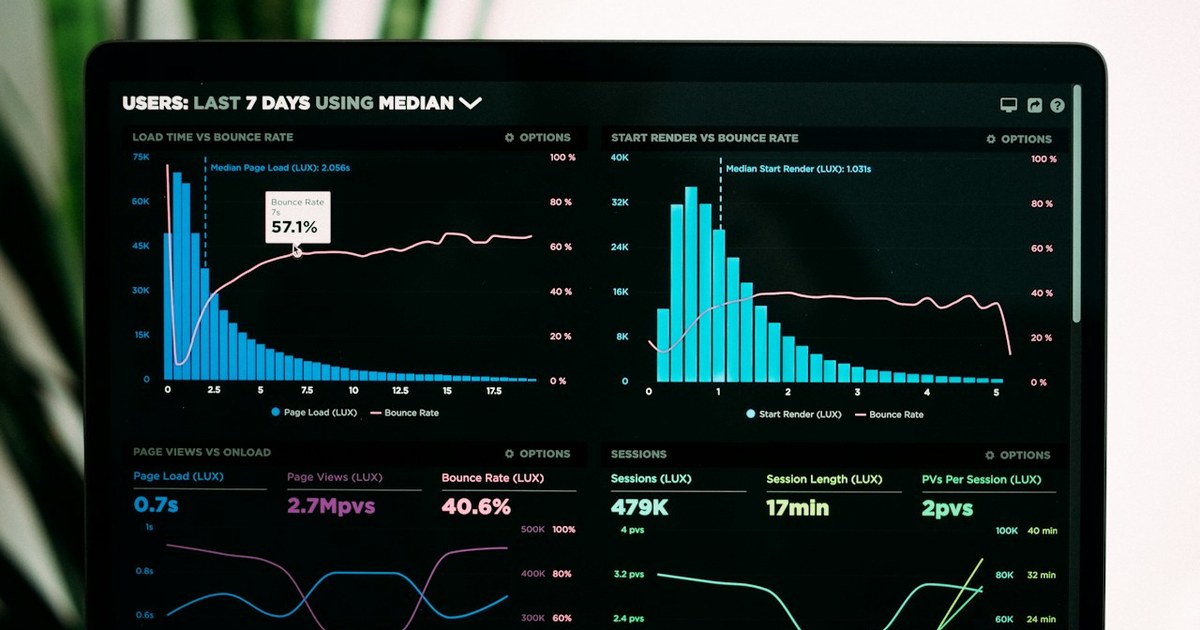
Use a time calculator for timesheets and study logs. Add durations, convert decimal hours, and handle overnight shifts with clear examples.
Convert meeting times across zones with DST-aware tools, read a world clock, and schedule fair slots for London, New York and Dhaka teams.
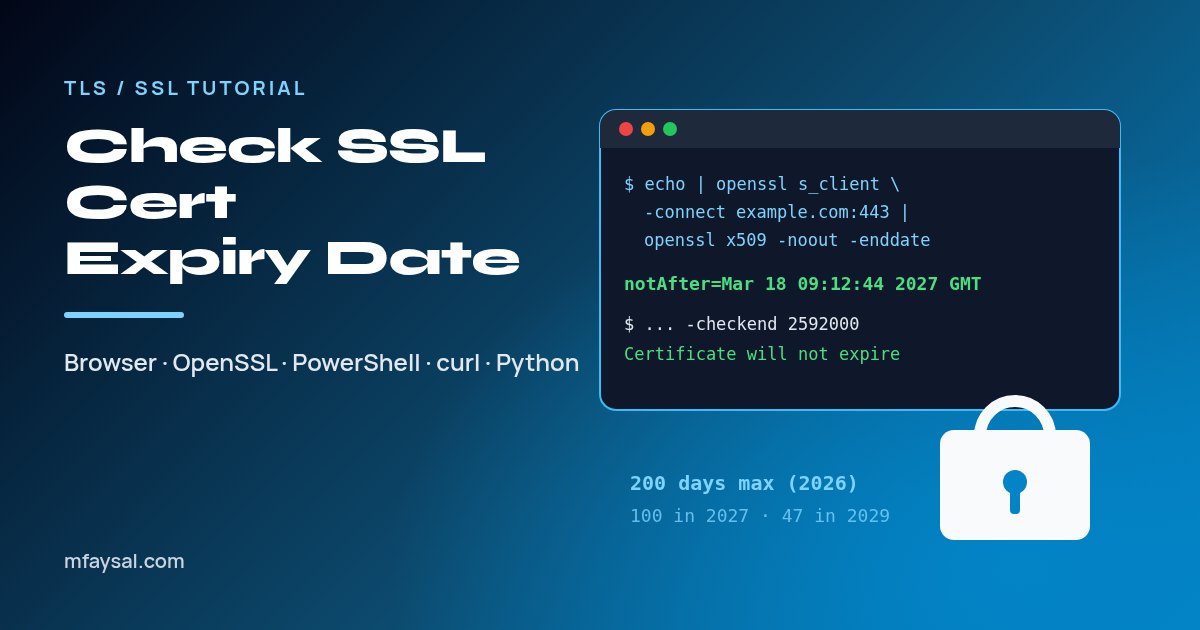
To check an SSL certificate expiry date, click the padlock or site-information icon in your browser and read the Expires on date, or pipe openssl s_client into openssl x509 -noout -enddate. On Windows, PowerShell reads the NotAfter date, and -checkend warns you before it lapses.